EasyManua.ls Logo

Memorex MI9490P - Operation

Memorex MI9490P
27 pages
Print Icon
To Next Page IconTo Next Page
To Previous Page IconTo Previous Page
Loading...
8
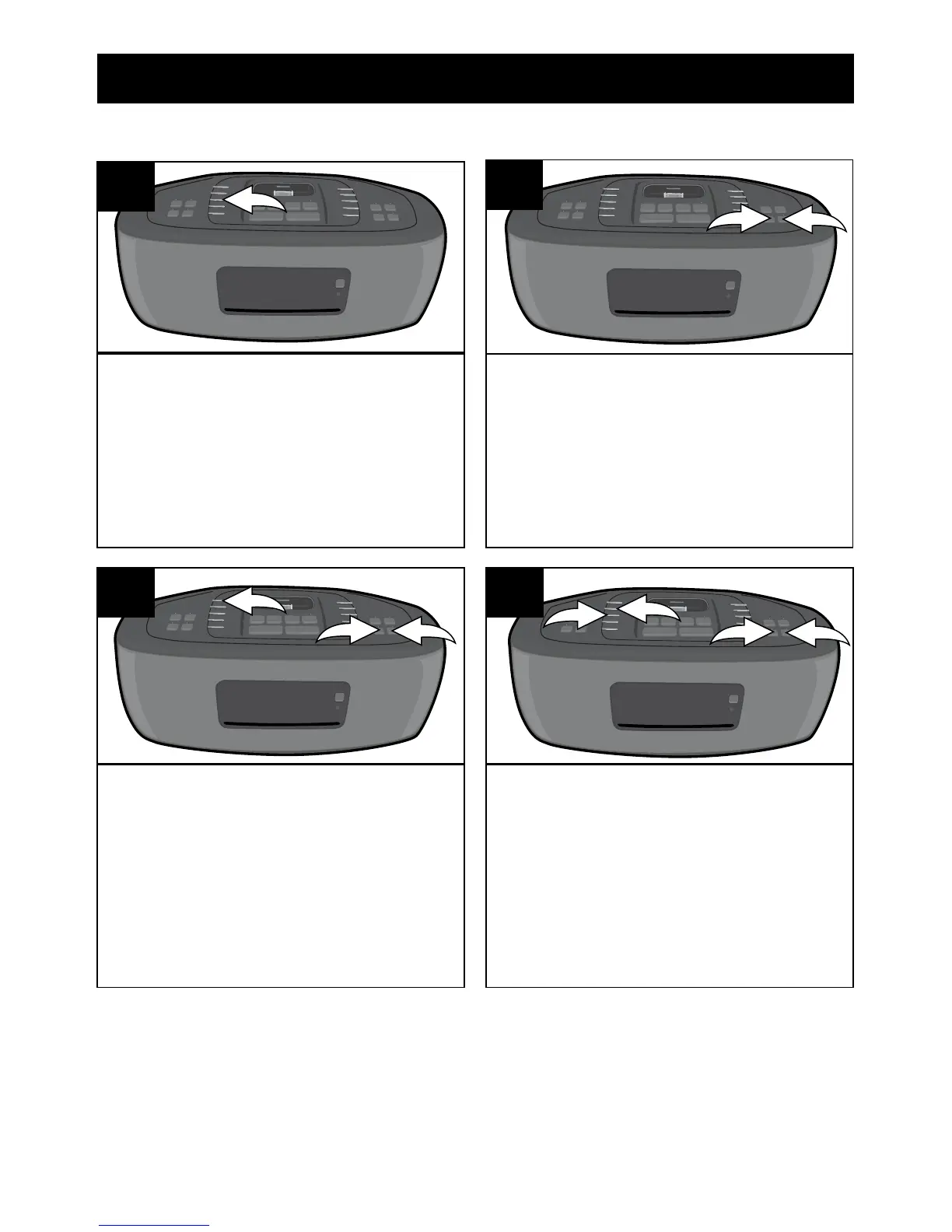
With the power on, press and hold
the TIME SET 

1
Press the HR (Hour) 1 
      
Press the T
Down o 2 or Up n 3 button to
set the current hour.
2
3
1
3
Then press the MIN (Minute) 1

 T
Search Down o 2 or Up n 3
button to set the current minute.
Press the TIME SET 4 button
again and the time will be set.
2
4
3
1
4
TO SET OR RESET THE ACTUAL TIME
Press the T
Down o 1 or Up n 2 button to
select 12 or 24 hour mode (also

1
2
2
NOTES:
 
 To or Up n
button to advance at a faster speed.
OPERATION

Related product manuals