EasyManua.ls Logo

Memorex MI9490P - Page 17

Memorex MI9490P
27 pages
Print Icon
To Next Page IconTo Next Page
To Previous Page IconTo Previous Page
Loading...
OPERATION (CONTINUED)
16
      
Power button.
1
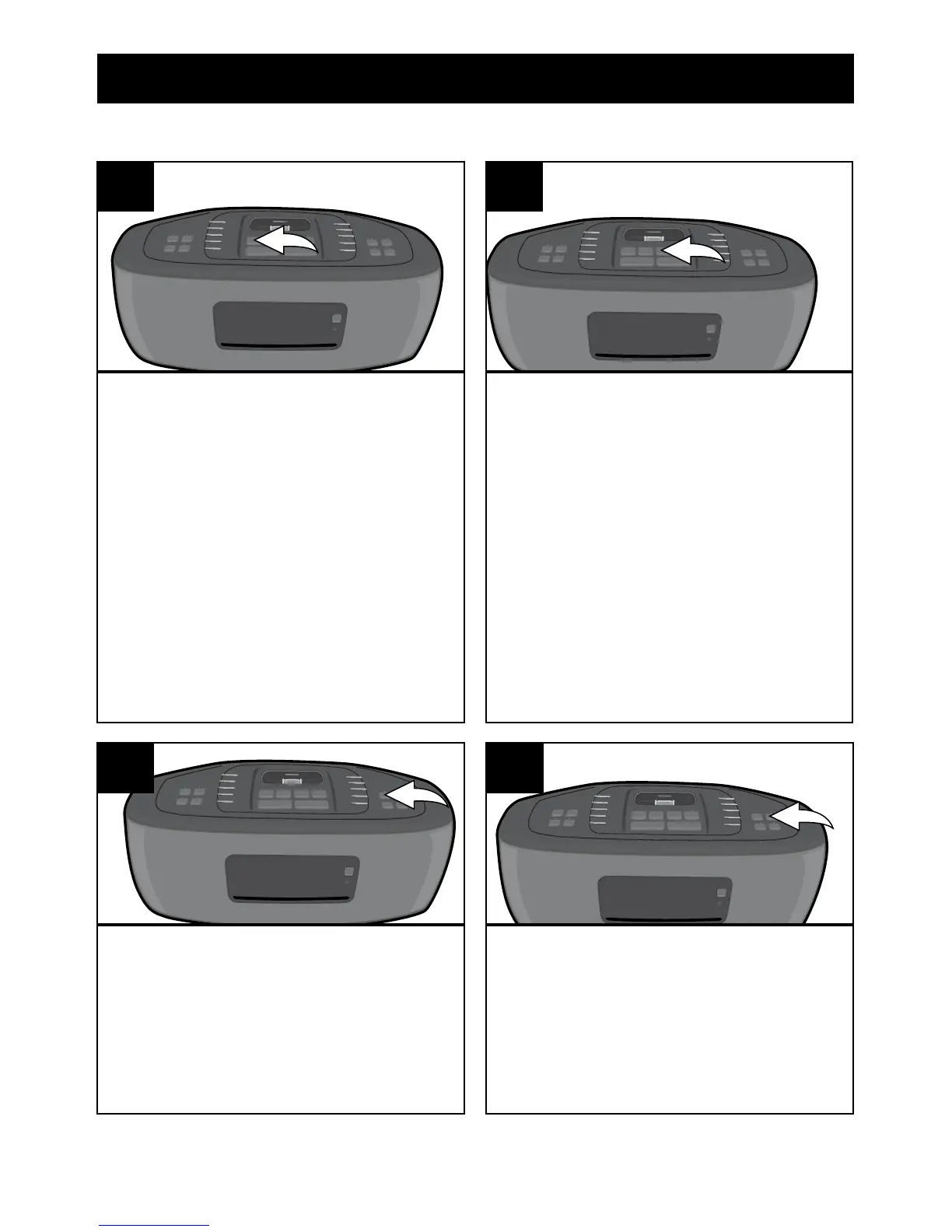
Press the CD button to select the
     
     
     
CD into the CD Compartment with
     
READING” will then appear in
    

NOTE: 3 inch singles cannot be
used with this unit without an
adapter.
2
USING A CD WITH THIS UNIT
You can also press the 
Pause (®p) button to begin
    
elapsed time will appear in the

3

it will stop. Press the Stop ( X )
button to stop the disc before it is

4

Related product manuals