16
OPERATION (Continued)
Press the Power button to the On
(in) position to turn the unit on.
This unit will either show the Main
menu or automatically start
showing a photo Slideshow (if the
Auto Play option in the Setup
menu is set to ON).
If the unit is in Slideshow mode,
press the EXIT button twice to exit
and access the Main menu
1
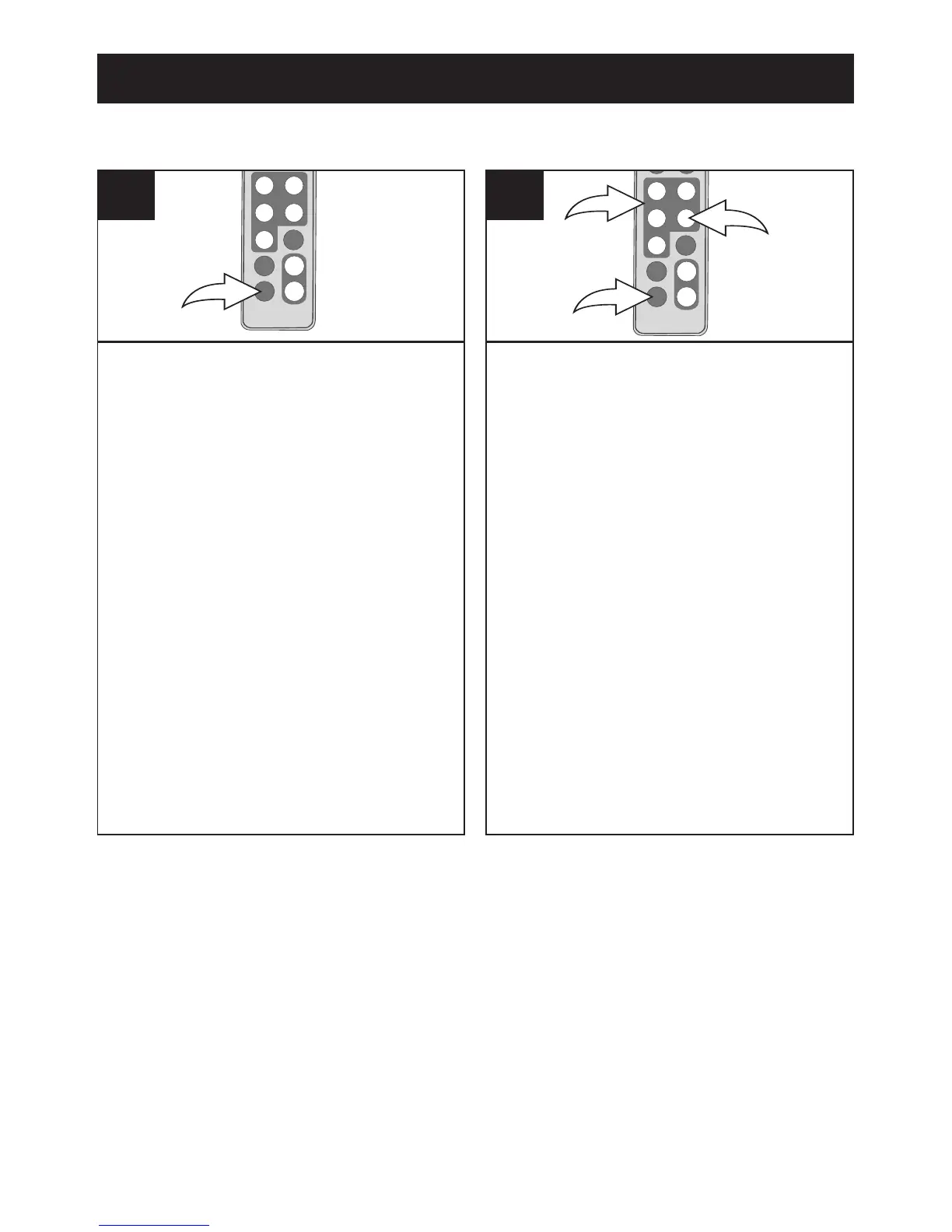
Select Folder using the Navigation
√, ®, π, † buttons 1; then press
the ENTER/PLAY button 2 to
enter the Folder menu.
Select the desired file to delete
using the Navigation
π, † buttons
1. Then press the Navigation √
button 1; a pop-up menu
will appear.
Select “No” (to NOT delete the
file) or “Yes” (to delete the file)
using the Navigation
√, ® buttons
1; then press the ENTER/PLAY
button 2 again to confirm.
To return to the Main menu, press
the EXIT button 3.



 To Next Page