- 5 -
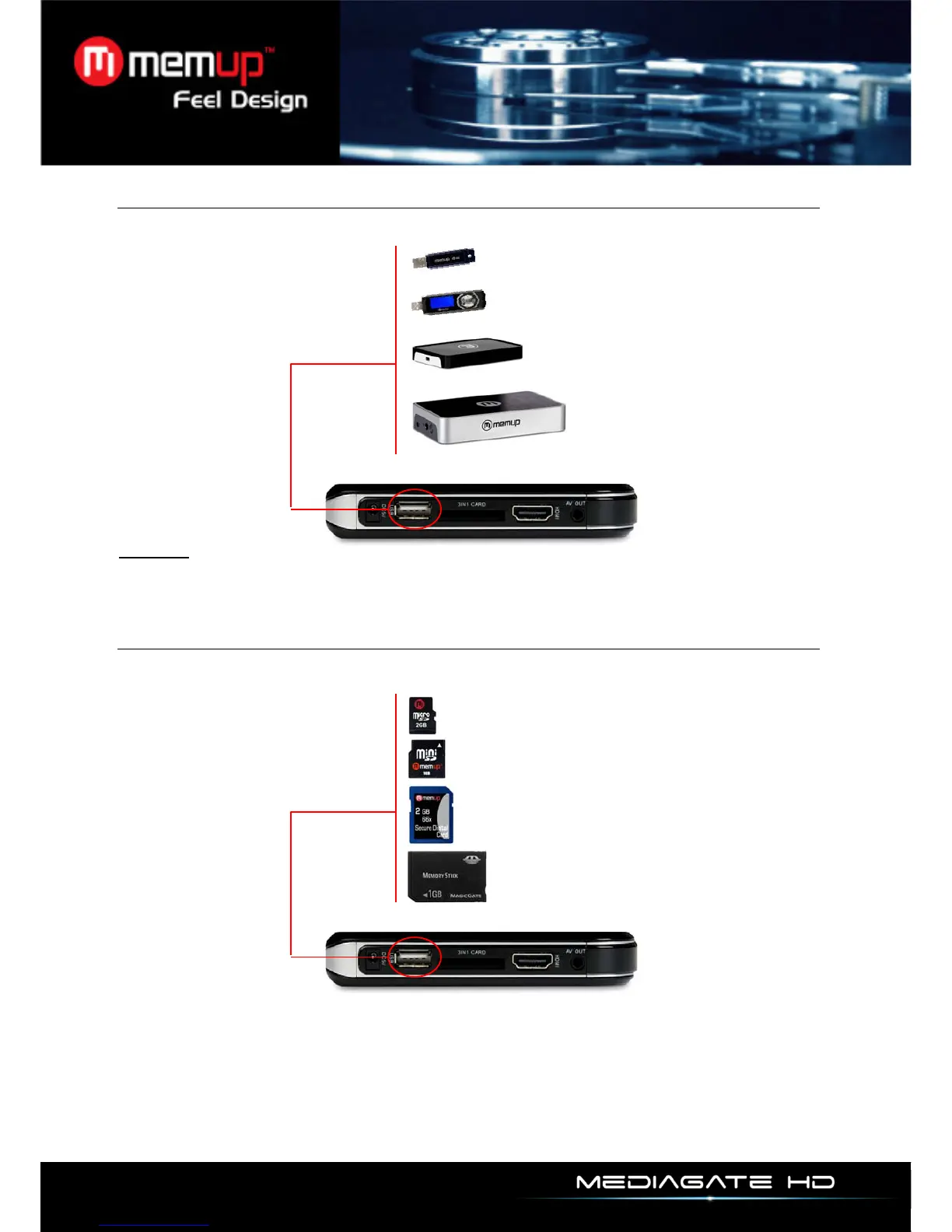
USB Host
Once an USB device is connected, select folders in menu “Explorer” to display the content.
Warning:
Some video playback can slow down if the bitrate is too high (over 7MB / s), indeed, data transfer
is too high and is limited by the USB output.
Card Reader
Once a memory card is connected, select folders in menu “Explorer” to display the content.



 To Next Page