- 7 -
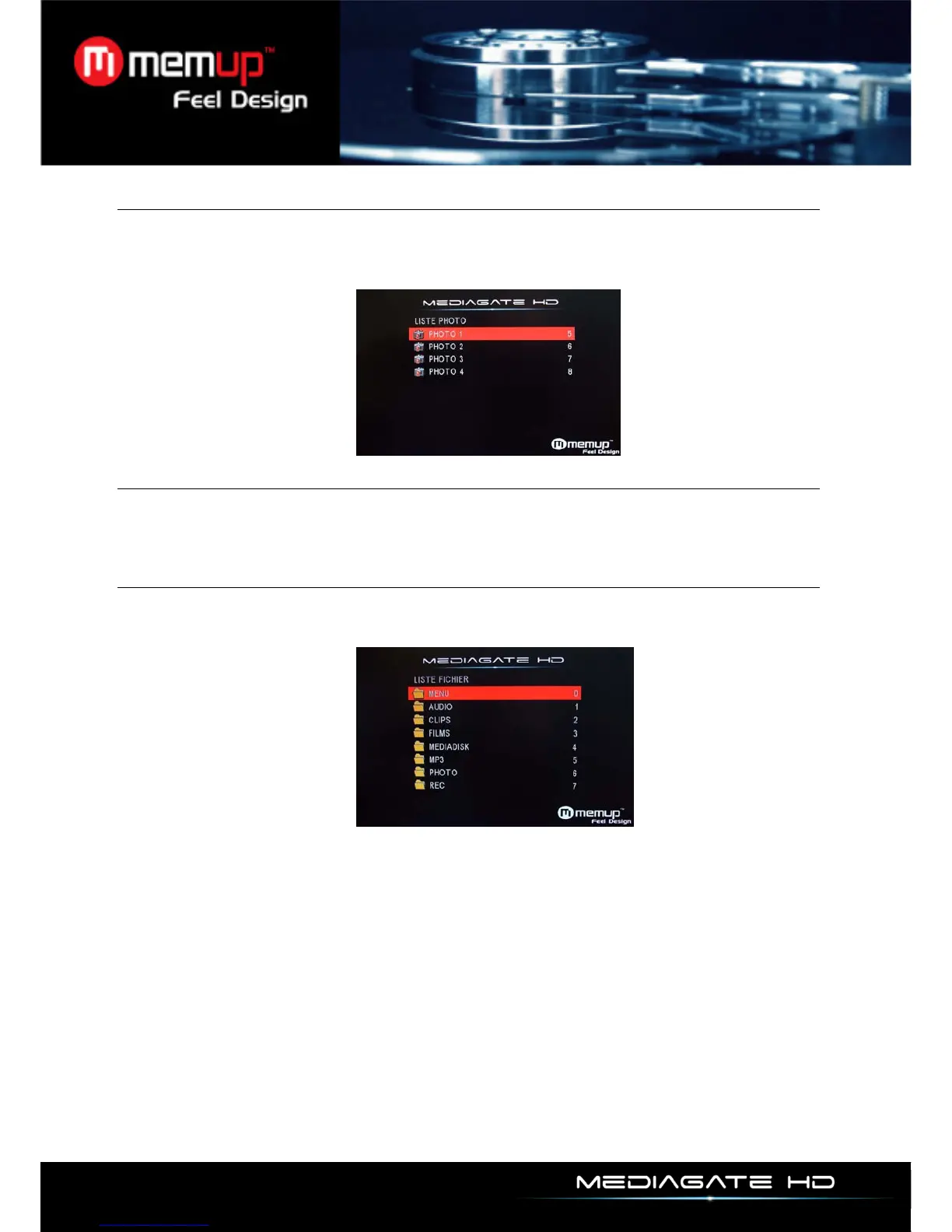
Photo Menu
Use [] or [] to select the menu you want to enter. Confirm your selection by pressing [Enter] button to
play the file you want.
Only Photo files will be displayed under “Photo” Menu. Other media files such as Video or Audio files
won’t be displayed in this menu.
Slide Menu
Please use [] or [] to select the menu you want to enter. After you enter one menu, please use [] or
[] to select the file you want to play. When you confirm your selection, please press [Enter] to play the
movie you want.
Explorer
Use [] or [] to select the file you want to play. Confirm your selection by pressing [Enter] button to
play the file you want. All kind of medias are displayed here with the different USB device folders.



 To Next Page