8. Test Activation
When the unit is triggered on one of the inputs A, B or C the display will show "-ON-" throughout
the procedure. This test option allows you to test trigger one of the three inputs A, B or C. In
the test mode the display will show the unit's actions.
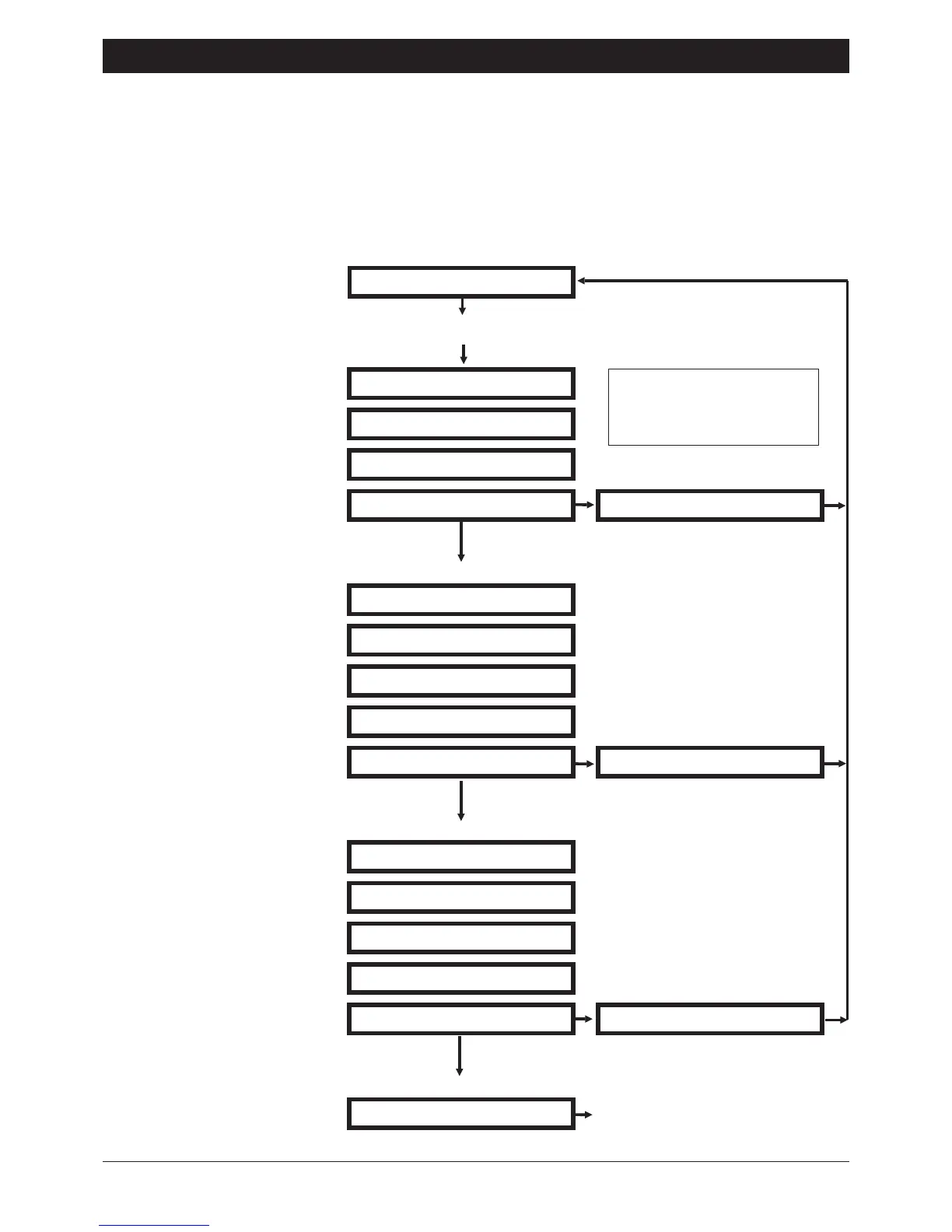
The following example shows how to simulate a trigger on input A. The Acknowledgement
option is set to "CLEARED BY ANY 1" (see page 7).
Ensure that the SD1 is
initialise and the display
shows "READY".
Page 6
SD1 Operating Instructions
READY
Press the A key then the [ key
SENDING A TO NO 1
Dialling telephone No.1
RINGING
Telephone is ringing
PLAYING PHRASE 0
Message A is played
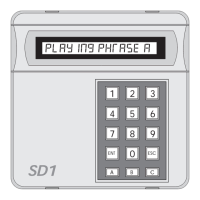
PLAYING PHRASE A
Call acknowledged
NO REPLY
No reply or no
CALL SUCCESSFUL
SENDING A TO NO 2
Dialling telephone No.2
RINGING
Telephone is ringing
PLAYING PHRASE 0
Message A is played
PLAYING PHRASE A
NO REPLY
No reply or no
CALL SUCCESSFUL
Call acknowledged
SENDING A TO NO 3
Dialling telephone No.3
RINGING
Telephone is ringing
PLAYING PHRASE 0
Message A is played
PLAYING PHRASE A
NO REPLY
No reply or no
Repeat from telephone No.1
(will attempt each No. 3 times.)
Test calls may be
cancelled at any time
by pressing the ] key.
CALL SUCCESSFUL
Call acknowledged


 To Next Page