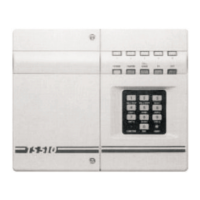
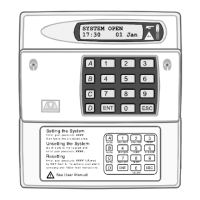
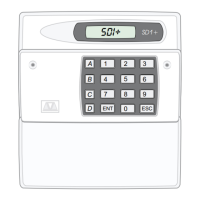
TS510 & TS500
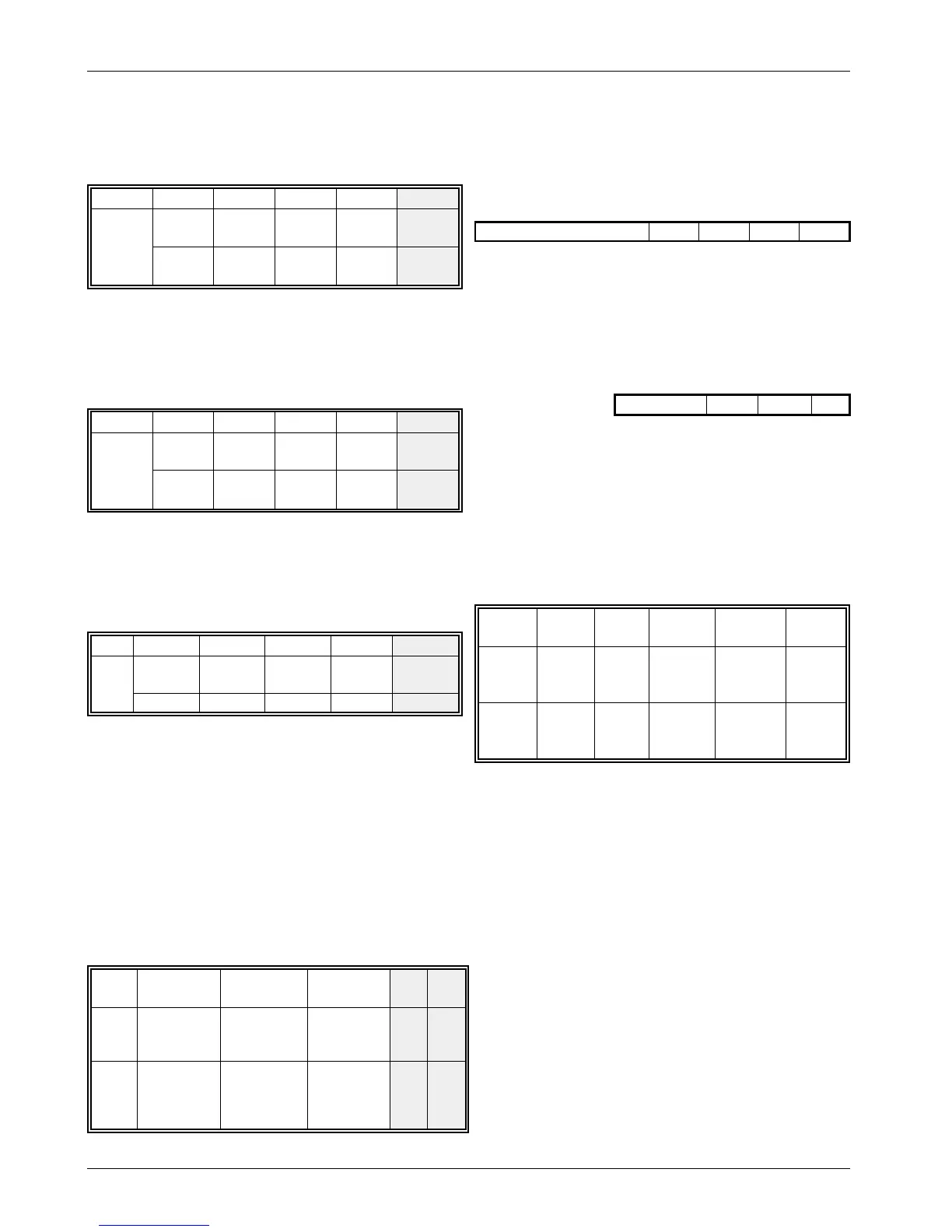
OUTPUT 1:
Press [6] [5] and one of the following
LEDs will light, showing which function
is indicated by Output 1:
LED12345
ON
FOR:
WALK
TEST
SW12V DTR
RESET
ALARM NOT
USED
ON/OFF ON/OFF ON/OFF ON/OFF NOT
USED
OUTPUT 2:
Press [6] [6] and one of the following
LEDs will light, showing which function
is indicated by Output 2:
LED12345
ON
FOR:
FAULT SW 12V
DTR
RESET
PA NOT
USED
ON/OFF ON/OFF ON/OFF ON/OFF NOT
USED
KEYSWITCH FINAL EXIT:
Press [6] [7] and one of the following LEDS
will light, showing how the keyswitch input will
operate.
LED 1 2 3 4 5
ON
FOR:
FULL SET
PART SET
A
PART SET
B
FINAL
EXIT
NOT USED
ON/OFF ON/OFF ON/OFF ON/OFF NOT USED
VIEW EVENT LOG:
Pressing [6] [8] will allow the event log to be
viewed. Pressing [8] displays the last event
whilst pressing numbers other than [9] and
[0] displays earlier events in order, with [1]
being the oldest event. To exit the routine,
press [0].
SYSTEM SETTING OPTIONS:
Press (6) [9] to select the system setting
options.
LED 1 2 3 4 5
ON
FOR:
SET ALLOWED
WITH MAINS
FAILURE
RISING ENTRY
AND EXIT
TONES
SET ALLOWS
WITH LINE
FAULT
NOT
USED
NOT
USED
OFF
FOR:
SET
DISALLOWED
WITH MAINS
FAILURE
CONTINUOUS
ENTRY AND
EXIT TONES
SET
DISALLOWED
WITH LINE
FAULT
NOT
USED
NOT
USED
ENGINEER CODE:
Press [7] and 4 zone LEDs will light indicating
that a 4 digit engineer code is required.
Once entered, re-enter the code for
confirmation and listen for the confirmation
tone.
ENGR CODE
DEFAULT = 1234
REMOTE RESET CODE:
Press [8] and 3 zone LEDs will light, indicating
that a 3 digit code must be entered. Enter
your code and listen for the confirmation
tone.
RESET NO.
DEFAULT = 004
OPTIONS:
Press [9] and a combination of zone LEDs will
light, each showing a different setup. To
change any option, simply enter the number
for the options required. Once the settings
are correct, press [0] and listen for the
confirmation tone.
LED 1 2 3 4 5
ON
FOR:
ET/F EXIT
SILENT
FINAL
EXIT
SET
E.T.
ENABLED
ENGINEER
RESET
3
REARMS
OFF
FOR:
ET/F
EXIT
CHIMES
TIMED
EXIT
E.T.
DISABLED
USER
RESET
0
REARMS
NOTE: Whilst in engineer mode, tampers are
inhibited. To monitor tampers return the panel to the
UNSET condition.
NOTE: OPTIONS: No.5 on TS500 LED ON = AUTO
RE-ARM, LED OFF = MANUAL RE-ARM
TS510 & TS500 8 of 10 496525 Issue A



 To Next Page