M6 User Guide
3
Unpacking
Each loudspeaker is supplied with the following
accessories:
Power cord.
This manual.
•
•
Connections
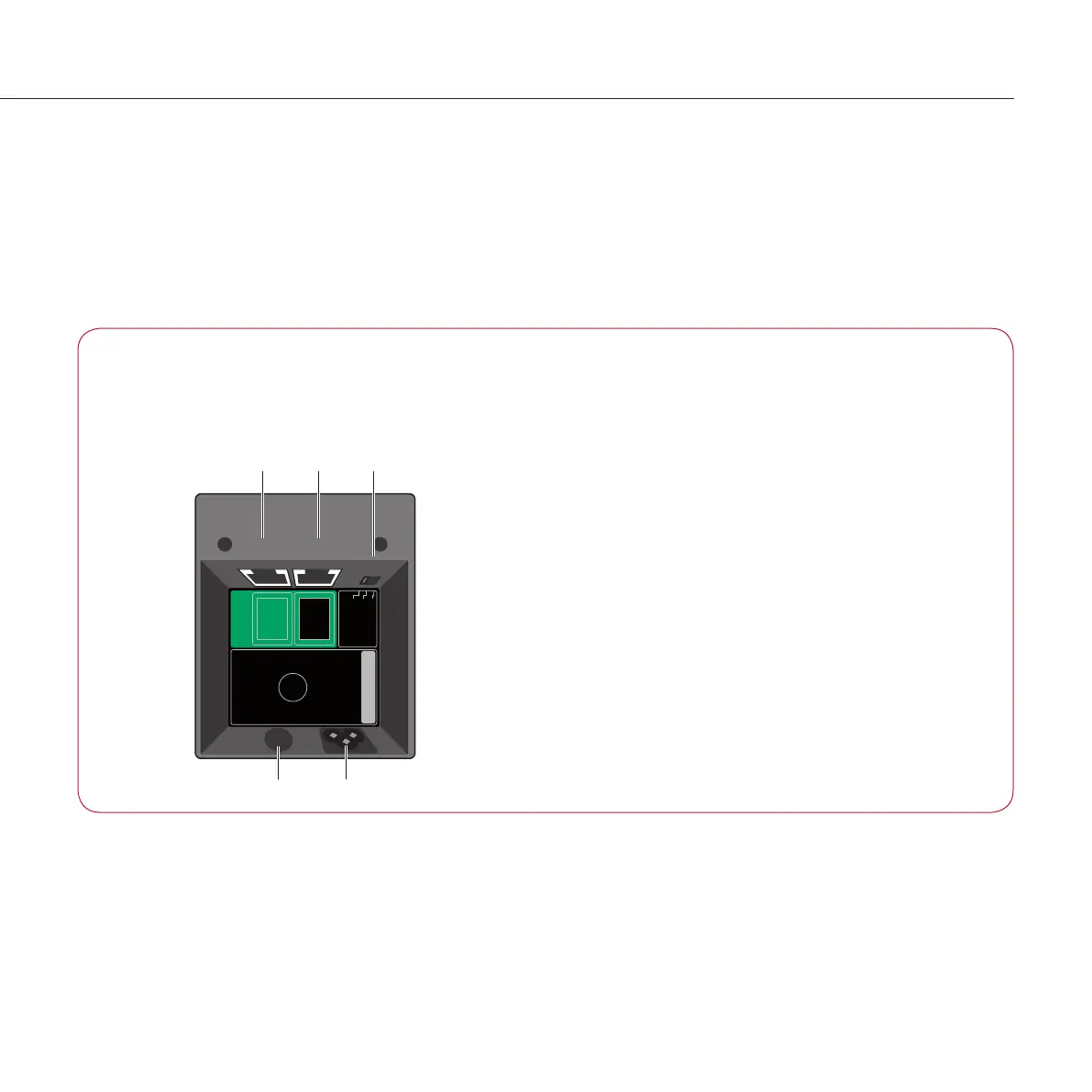
The following diagram gives details of the connections in the
base of the loudspeaker:
R
Mono
L/C
Digital
Channel
Selector
Power Inlet
220-230V ~50-60 Hz
500W max
Fuse
~50-60Hz
T2.5AH 250V
for 220-230V~
SpeakerLink
Output
Input
PAT Number
Voltage
Channel
selector
SpeakerLink
input
output
PowerFuse
If
any of these items are missing please contact your retailer.
NOTE: You should retain the packaging in case you need to
transport the unit.
Digital connections
Use this connection To connect to this
SpeakerLink input The SpeakerLink output of a Meridian
controller, such as an Audio Core 200,
Digital Surround Controller, or 218 Zone
Controller.
SpeakerLink output The Speakerlink input of a second M6
digital loudspeaker, when connecting in a
daisy-chain.
Miscellaneous
Switch Description
Digital Channel Selector Set to R to use the loudspeaker as a
right channel, Mono to mix the L/R
channels when using the loudspeaker as
a mono loudspeaker, or L/C to use the
loudspeaker as a left or centre channel.
Standby indicator
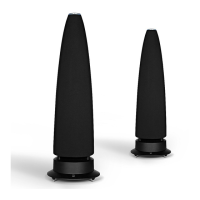
The status is shown by the indicator at the top of the loudspeaker.
Status Description
Blue Loudspeaker in standby
White Loudspeaker operating
The loudspeakers are switched on or into standby as
appropriate via the SpeakerLink connections by the Meridian
system they are connected to.


 To Next Page