15
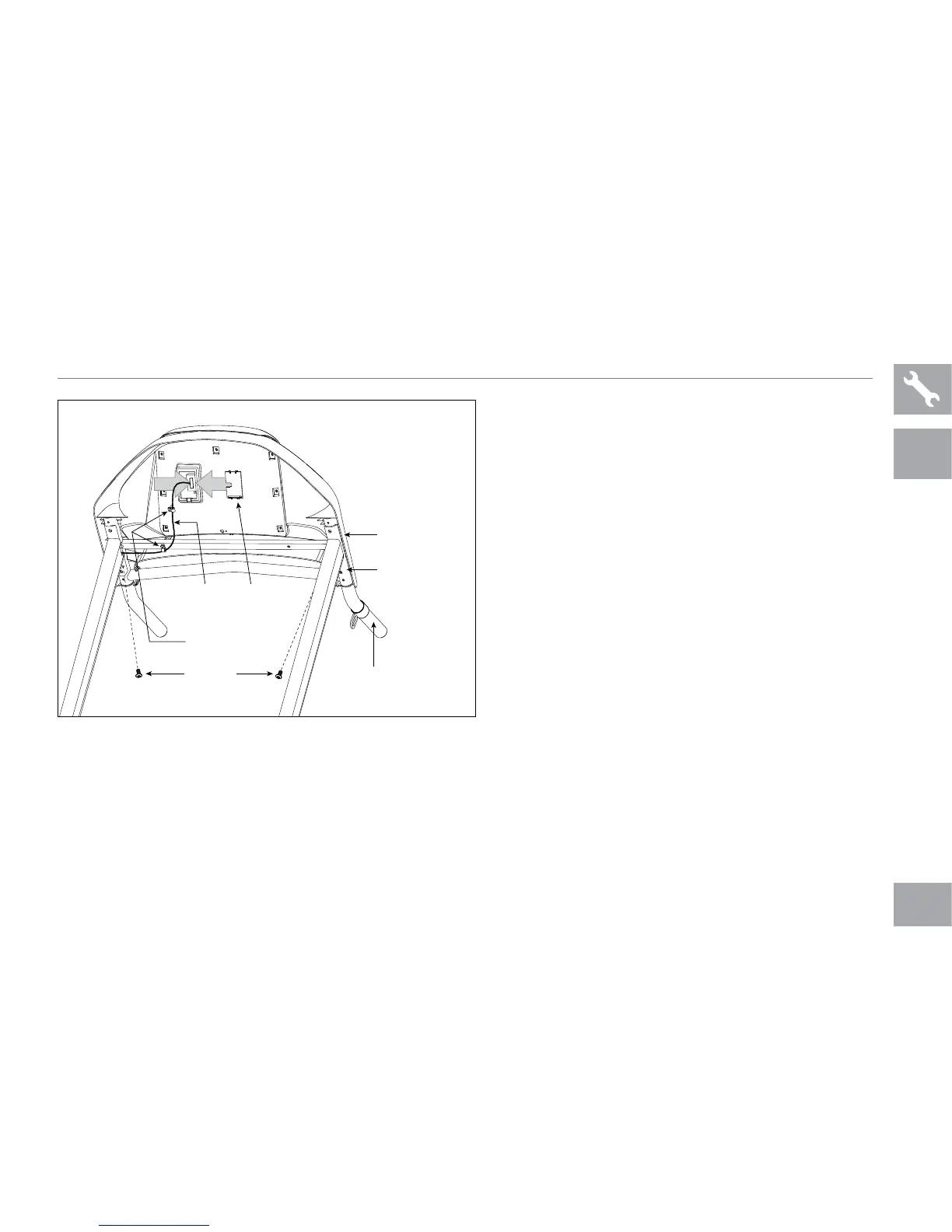
CONSOLE
CABLE
CONSOLE
CABLE
COVER
PLASTIC CLIPS
BOLTS (E)
CONSOLE MAST
HANDLEBAR
CONSOLE
E Remove the console cable cover.
F Connect the console cable and secure the
cable in the 2 plastic clips. Carefully tuck
excess cable in the console mast to avoid
damage.
G Attach the console cable cover to secure
the console cable.
H Secure the handlebars to the console
masts by inserting 2 bolts (e) from below the
console.
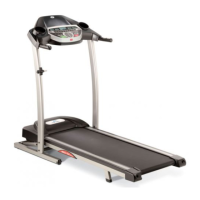
715T PLUS ONLY
715T PLUS ASSEMBLY STEP 3 CONTINUED
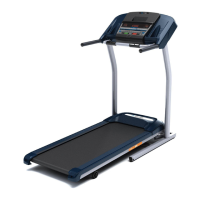
715T
PLUS


 To Next Page