1
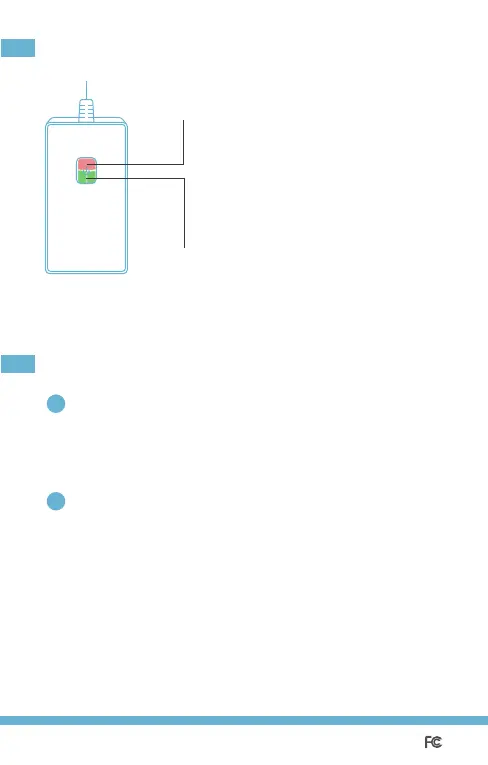
Flashing rapidly:
Initialization/ Wi-Fi connecting mode/
Reset/Firmware upgrading mode.
Flashing slowly:
Configuring mode.
Solid red: No internet connection.
Off: Successfully connected.
Solid green: Socket is ON.
OFF:
Socket is OFF.
LED and Button Rules
Frequently Asked Questions
2
1
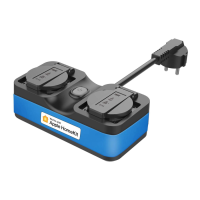
What devices can I control with the Smart Wi-Fi Outdoor Plug?
You can control lights, fans, humidifiers, portable heaters,
and outdoor electric appliances in accordance with the MSS620’s
specifications (up to 10A output per socket).
What should I do when my Meross app is unable to control
the added Smart Wi-Fi Outdoor Plug?
Firstly, sorry for the inconvenience. You can troubleshoot the following:
·Check the main Wi-Fi’s Internet connection.
·Make sure that main Wi-Fi’s password hasn’t been changed.
·Make sure your MSS620 is not too far from the main Wi-Fi.
·Factory reset MSS620 and try to add it again.
Socket 1/2
Status LED
1 2


 To Next Page