Metacom MC601 Router Page 10
User Manual
3.3 System Administration panel
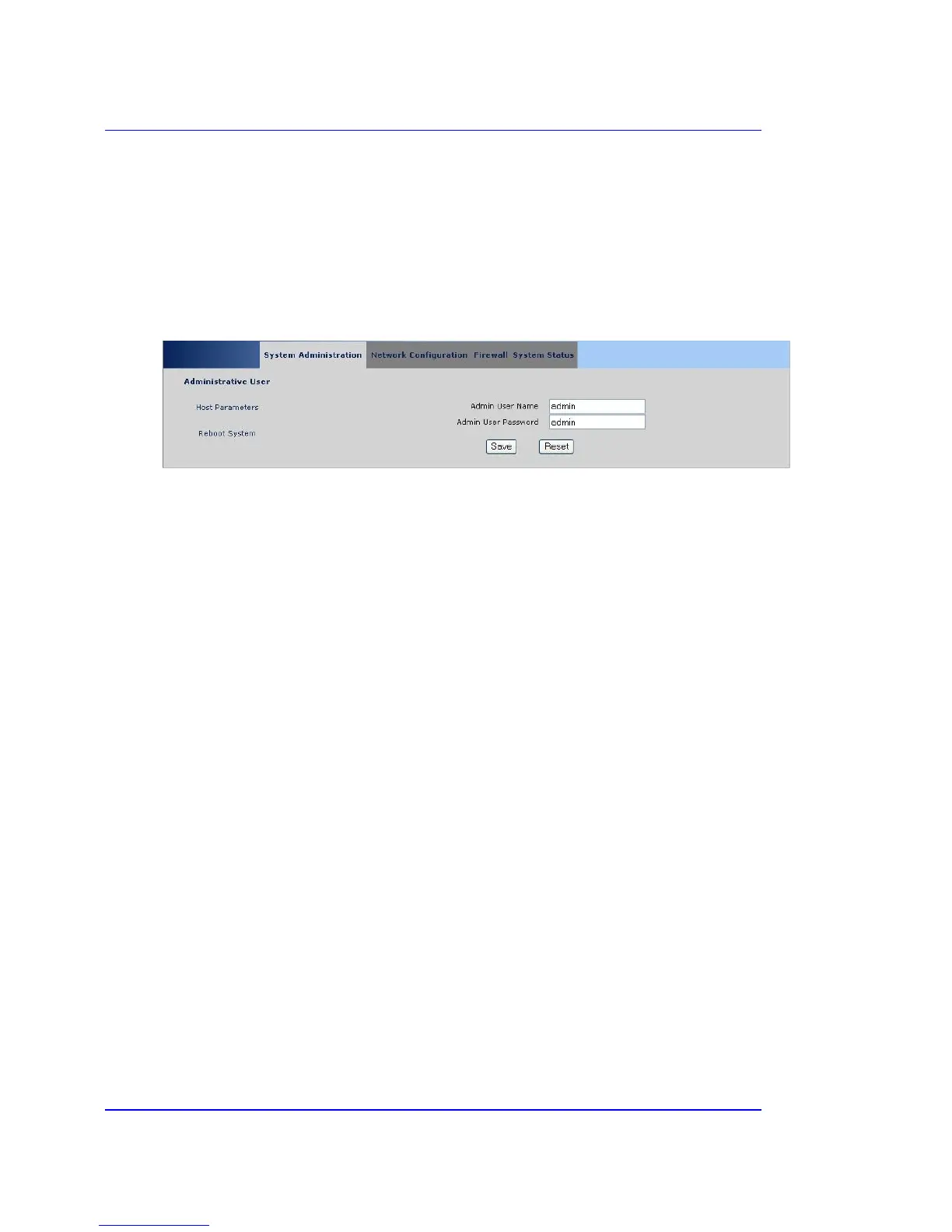
This panel contains the general settings for the device. After login the following page is displayed:
3.3.1 Administration user
Admin User Name
Admin User Password
These specify the login parameters when accessing this administration front-end.
Save
Stores the settings on the device.
Reset
Reverts the settings back to their original values.
Cellular Continuum Series
Copyright © Metacom (Pty) Ltd



 To Next Page