Metacom MC601 Router Page 8
User Manual
3.2 Connecting
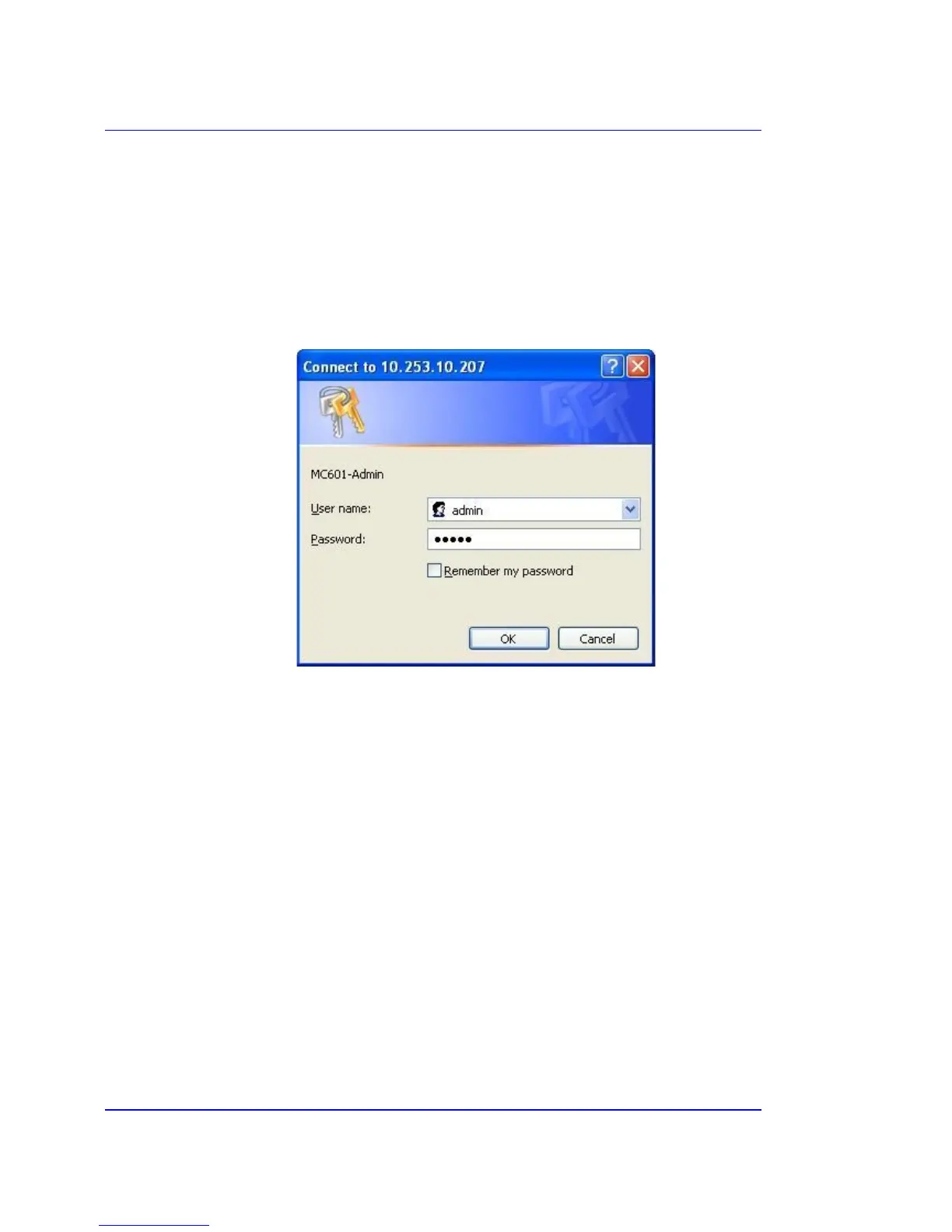
Once the IP address of the router has been established the administration interface can be accessed
by entering the following URL into a browser:
http://<IP>
This will bring up the following login dialog:
The default username and password is “admin”. Please use the correct case.
Please try connecting to the device again if invalid login details have been supplied. If no login
screen appears then try pinging the router’s IP and checking that you are either on the GPRS
network or on the same local LAN as the router.
Cellular Continuum Series
Copyright © Metacom (Pty) Ltd



 To Next Page