ASSEMBLY
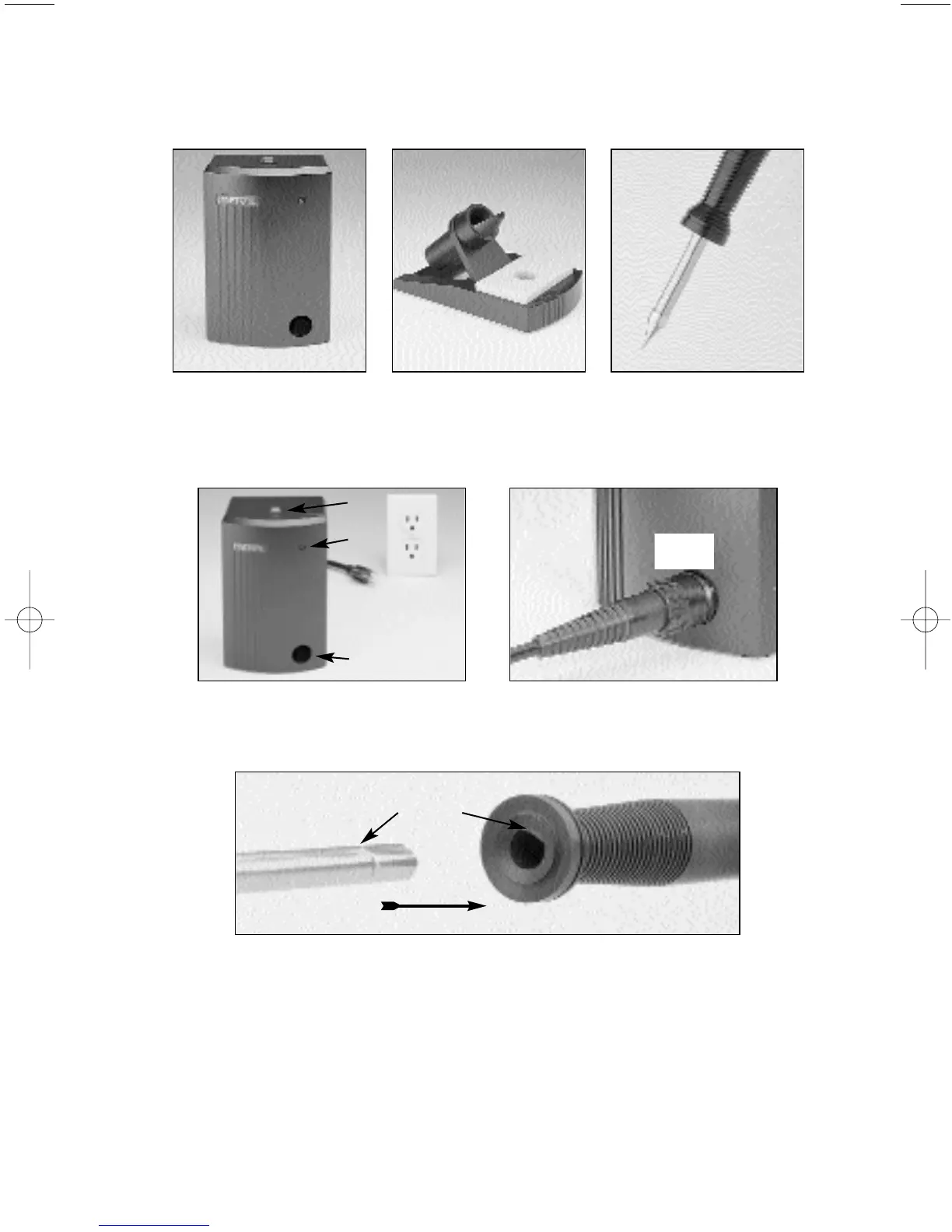
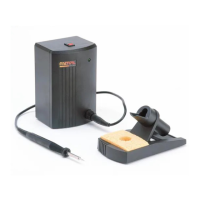
The Metcal SP200 Soldering System consists of a power supply, workstand with wiping sponge,
and a solder handle that uses replaceable tip cartridges. (Tip cartridges are sold separately from
the system.)
The power supply features a green “Power On” indicator light, power cord, and a connecting port
for the solder handle cord. With the power “off”, attach the solder handle cord to the power
supply by inserting the cord connector into the power supply connecting port, and turn the nut
1/4 turn clockwise until it locks.
Insert a tip cartridge into the solder handle by aligning the flat end of the cartridge shaft with the
opening in the handle. Push the cartridge all the way until it seats. You should feel a slight “click”
as it locks into place.
Wet the sponge with deionized water until it is moist but not soaked. Then place it in the
workstand tray.
Plug the power cord into a grounded wall socket of the appropriately rated input line voltage. To
turn the unit on, push the switch on the top of the power supply. The green indicator light should
light up. If it does not, see the “Troubleshooting Guide” in this manual.
CAUTION: To provide continued protection against the risk of electric shock, connect only to
properly grounded outlets.
SP-WSK1 Workstand
SP-HC1 Solder Handle
with Tip Cartridge
SP-PW1 Power Supply
Connecting Port
Power
Cord
Power ON Light
ON/OFF Switch
Connecting Port
Flat Edge
1
/4
Solder
Handle
Cord
Copyright © 1998, Metcal Inc. All Rights Reserved. 7022-0251 Rev D
1


 To Next Page