95-7882B
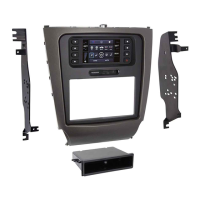
Kit Assembly
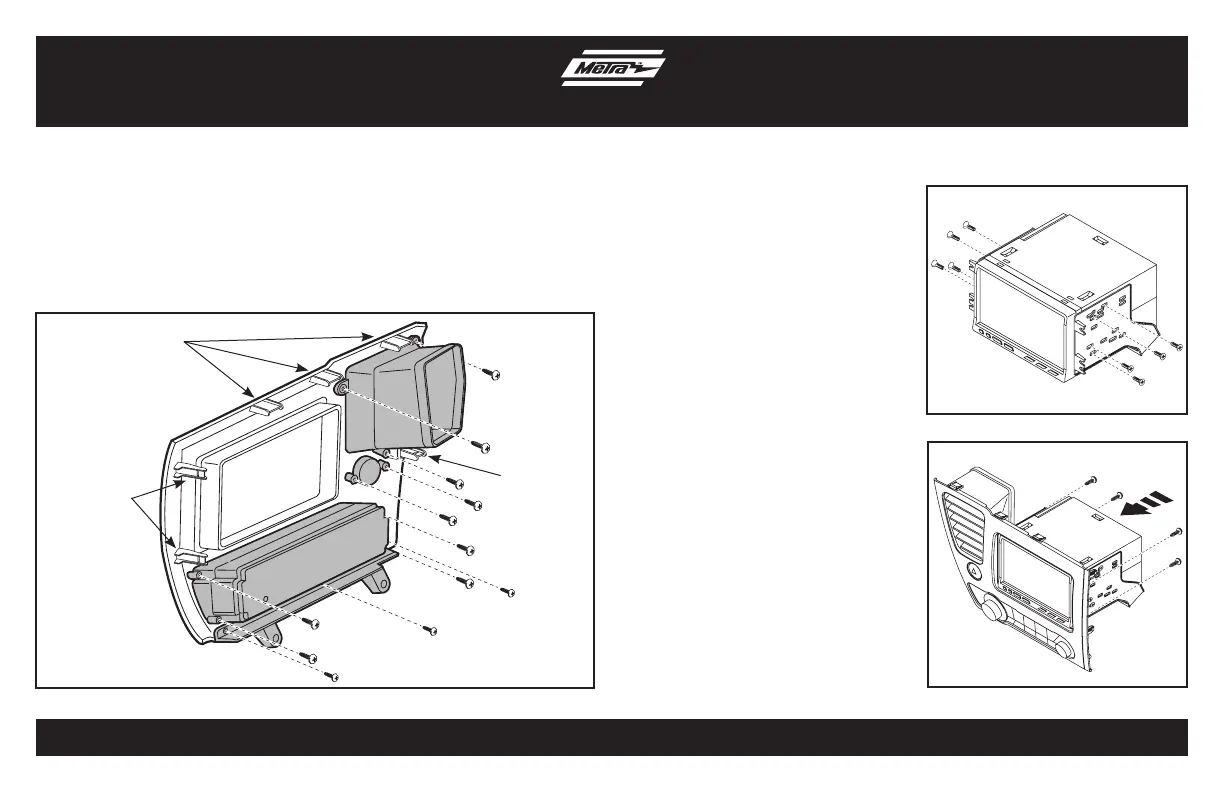
(Figure B)
(Figure C)
Double DIN radio provisions
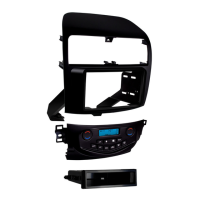
1. Factory screws can be used, or using the nine #8 x 3/8” pan-head Phillips
screws, attach the climate controls, hazard, and vent removed in disassembly
to radio trim panel. Use the three #4 x 3/8” truss-head Phillips screws to mount
the factory lower trim panel to the radio trim panel. (Figure A)
2. Attach the three metal and three
plastic panel clips. (factory clips
can be used in place of the metal
clips, but not the plastic clip
locations) (Figure A)
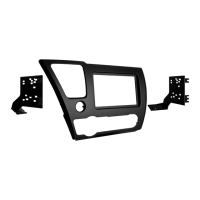
3. Mount the brackets to the radio
with the screws supplied with the
radio (Figure B)
4. Mount the radio/bracket assembly
to the radio trim panel with four
of the screws supplied in this kit.
(Figure C)
5. Locate the factory wiring harness
and antenna plug in the dash.
Metra recommends using the
proper mating adapters from
Metra and/or AXXESS.
6.
Mount the new radio assembly into
the dash and reassemble dash in
reverse order of disassembly using
the two supplied #8 x 1/2” pan head
Phillips screws for the lower
radio mounts.
3
(Figure A)
Metal clip locations
Plastic clip
location
Plastic clip
locations


 To Next Page