MFJ-418 Pocket Morse Code Tutor Instruction Manual
© 1996-2006 MFJ Enterprises, Inc. 11
useful. The sets of callsigns and words and the sample QSOs are an excellent
way to help build the ability to copy at higher speeds and to copy "in your
head." The callsign practice can be useful for contesters who wish to improve
their ability to work CW contests where the speeds can be quite high.
The Advanced Sets are:
•
LETTERS All letters
•
NUMBERS All numbers
•
PROSIGNS All prosigns
•
LETTERS+NUMBERS All letters and all numbers
•
LETTERS+PROSIGNS All letters and all prosigns
•
NUMBERS+PROSIGNS All numbers and all prosigns
•
FCC CHAR The 43 characters required on FCC code tests
†
•
ALL CHAR All characters
•
CALLSIGNS Randomly-generated USA callsigns
•
WORDS Random words (500 words database)
•
QSOs Randomly-generated sample QSOs
†
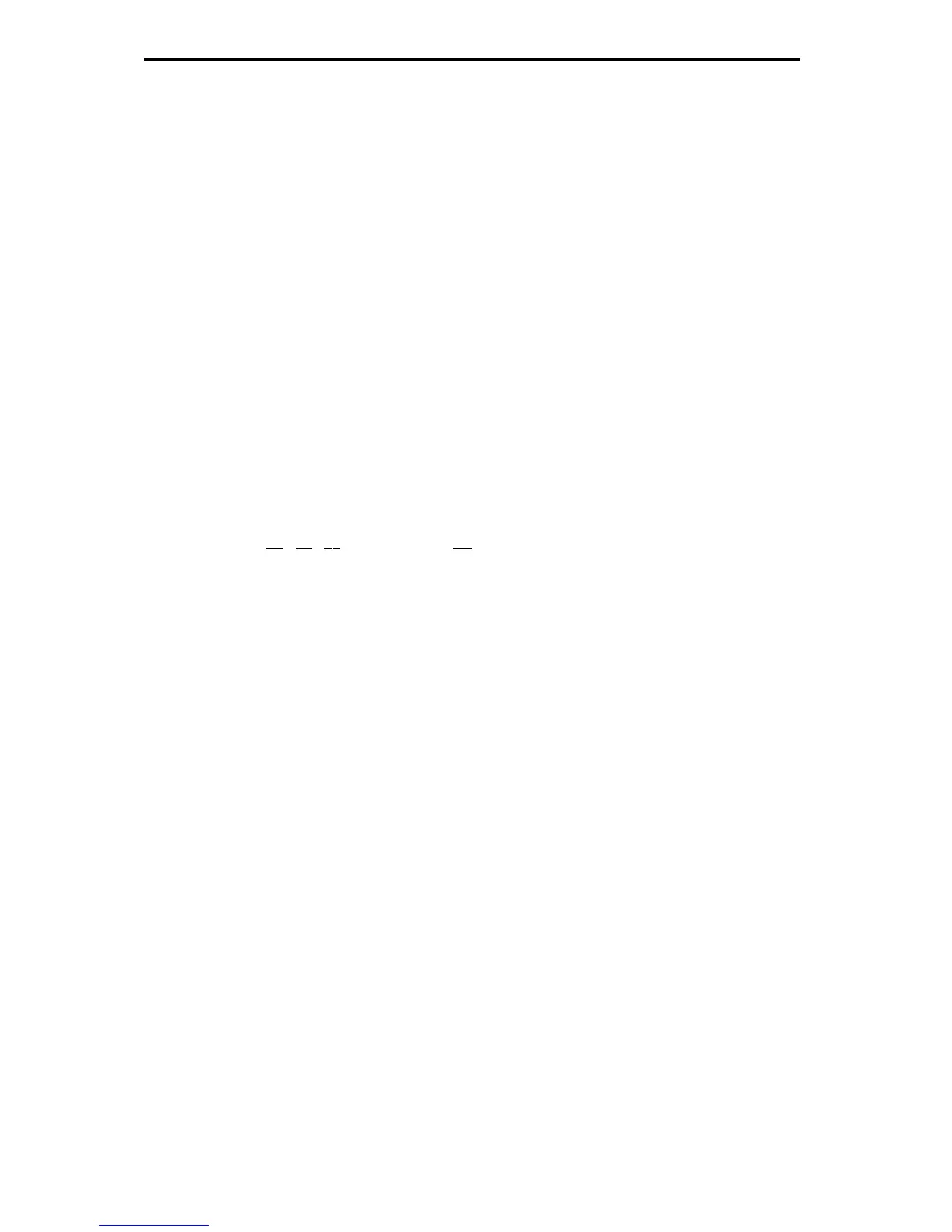
FCC testing requirement consists the 26 letters, the 10 numerals, the period, the comma, the
question mark,
AR
,
S
,
BT
and fraction bar
DN
.
The QSO Tone Menu:
The QSO Tone menu allows you to select the audio frequency sent by the unit
for the second station when playing the QSOs set. This allows different audio
tones to be used for the two QSO stations. This menu is only available when
the QSOs set is the active set. You may select frequencies from 305 to 1006 Hz
or let the unit randomly choose a frequency from 305 to 1006 Hz for each QSO
session. While you can choose an audio frequency that pleases you, you should
be aware that most amateur code exams are given using audio frequencies
between 700 and 800 Hz. Also, most CW transceivers use sidetone frequencies
in the 700 to 800 Hz range.
To select your audio frequency for the second station, press Select when
"QSO
TONE"
is displayed. Then, you can use Next to raise the frequency or Previous
to lower it. Press Select again to exit the QSO Tone menu.


 To Next Page