... 26
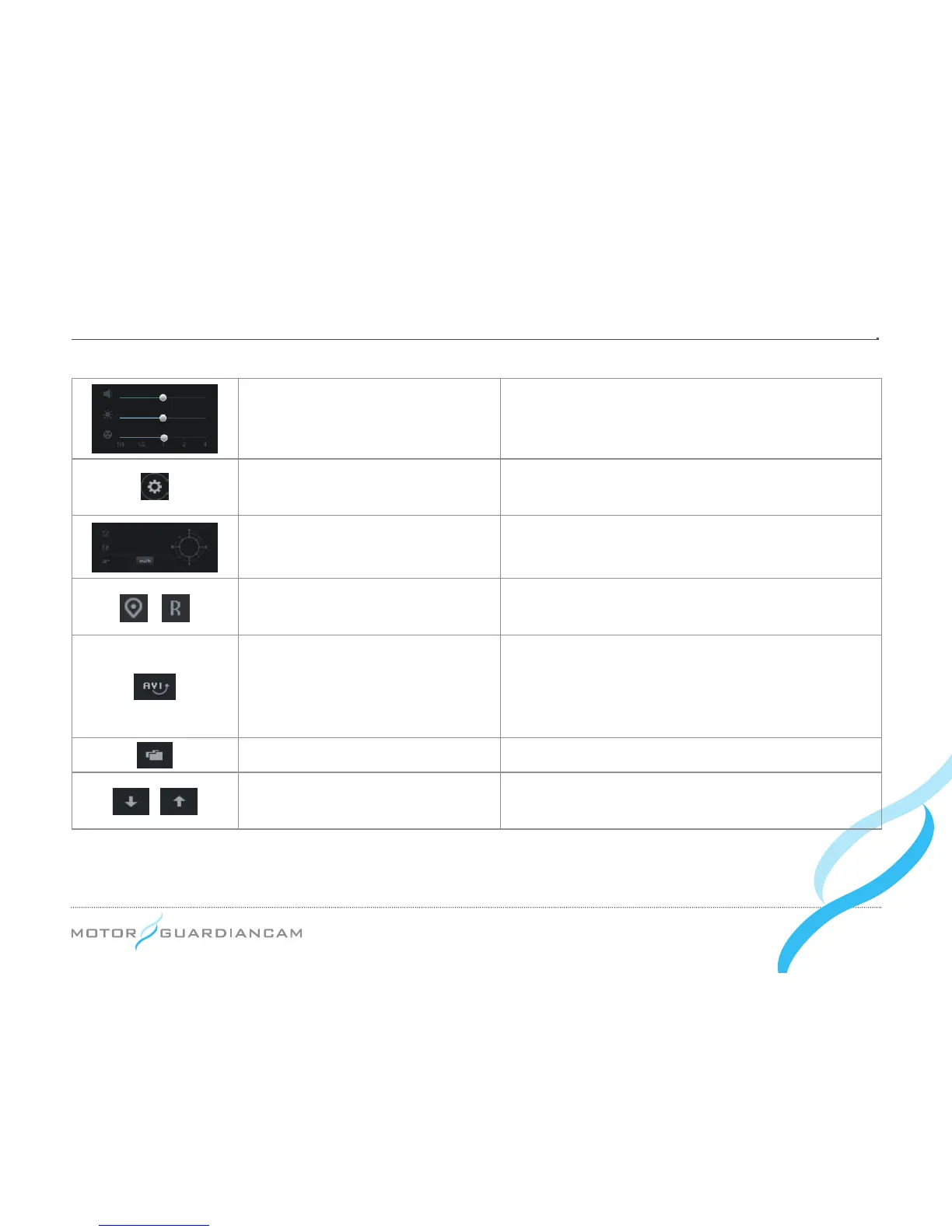
Playback option
The volume, brightness, and playback speed of a video
can be adjusted.
Drive recorder setting
The drive recorder setting can be stored or formatted in
the SD card.
GPS Information
Information on the latitude, longitude, and travel routes
can be seen.
Map reading/3
rd
cam
The drive location information or the 3rd cam (optional)
video can be selectively seen.
AVI conversion
This converts stored videos into AVI files so that the
videos can be played back in a general video player.
When merging les in the order of storage time, select “All”
when prompted for the le type (FILE TYE).
Open files
This is used to open the stored video les.
File list sorting methods
The file list sorting method can be changed in either
descending or ascending order.


 To Next Page