... 19
09 MDR-5000 GUI
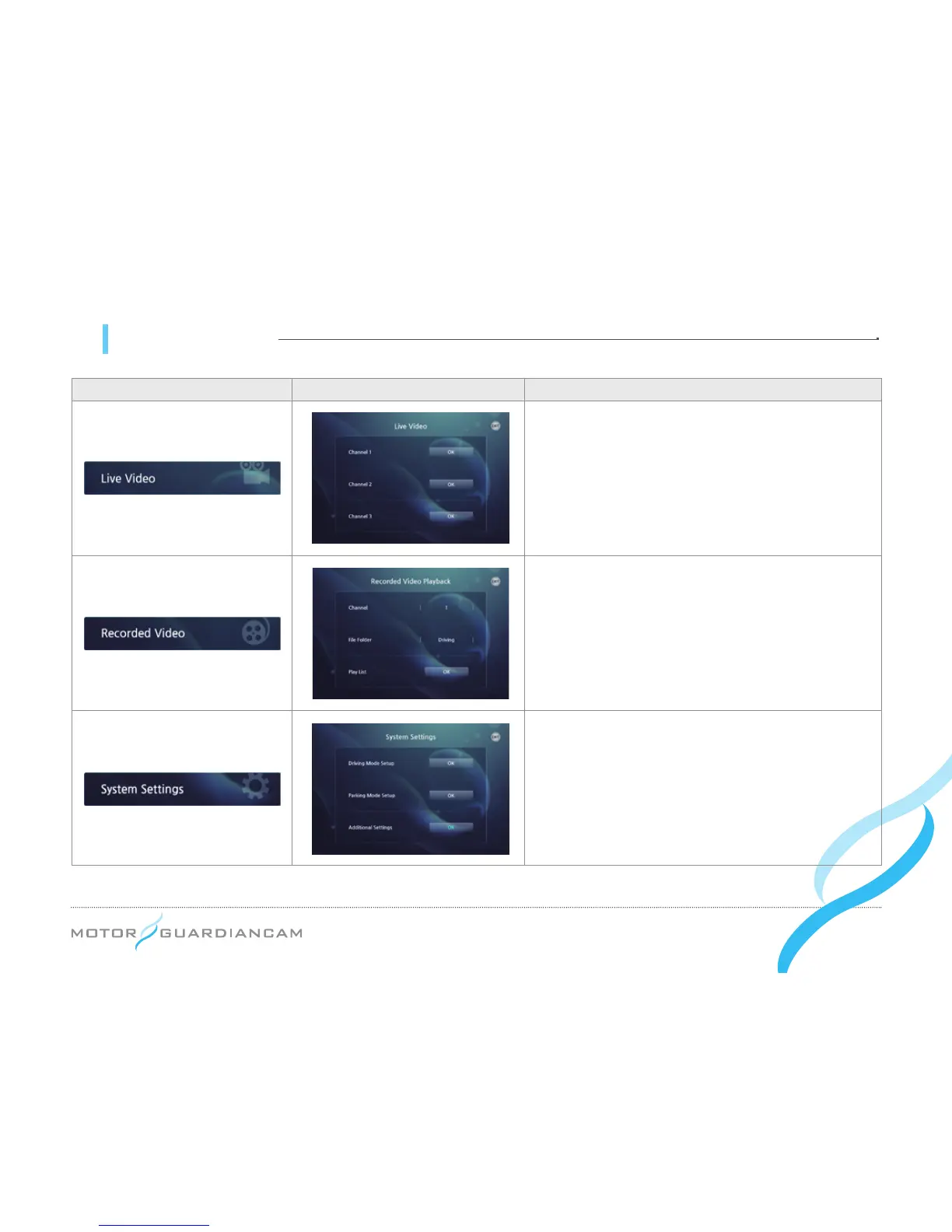
Icon Detail Meaning
This menu checks a video recorded in real time
with the use of Channel1 (front), Channel2 (interior),
or Channel3 (option).
This menu checks the recorded videos. Select the
desired Channel (1, 2, or 3) and File Folder (Normal,
Event, or Parking Event). Then, press OK to check
and play back a recorded a list of videos.
This menu is used to change the configuration.
Please refer to the next page.


 To Next Page