... 18
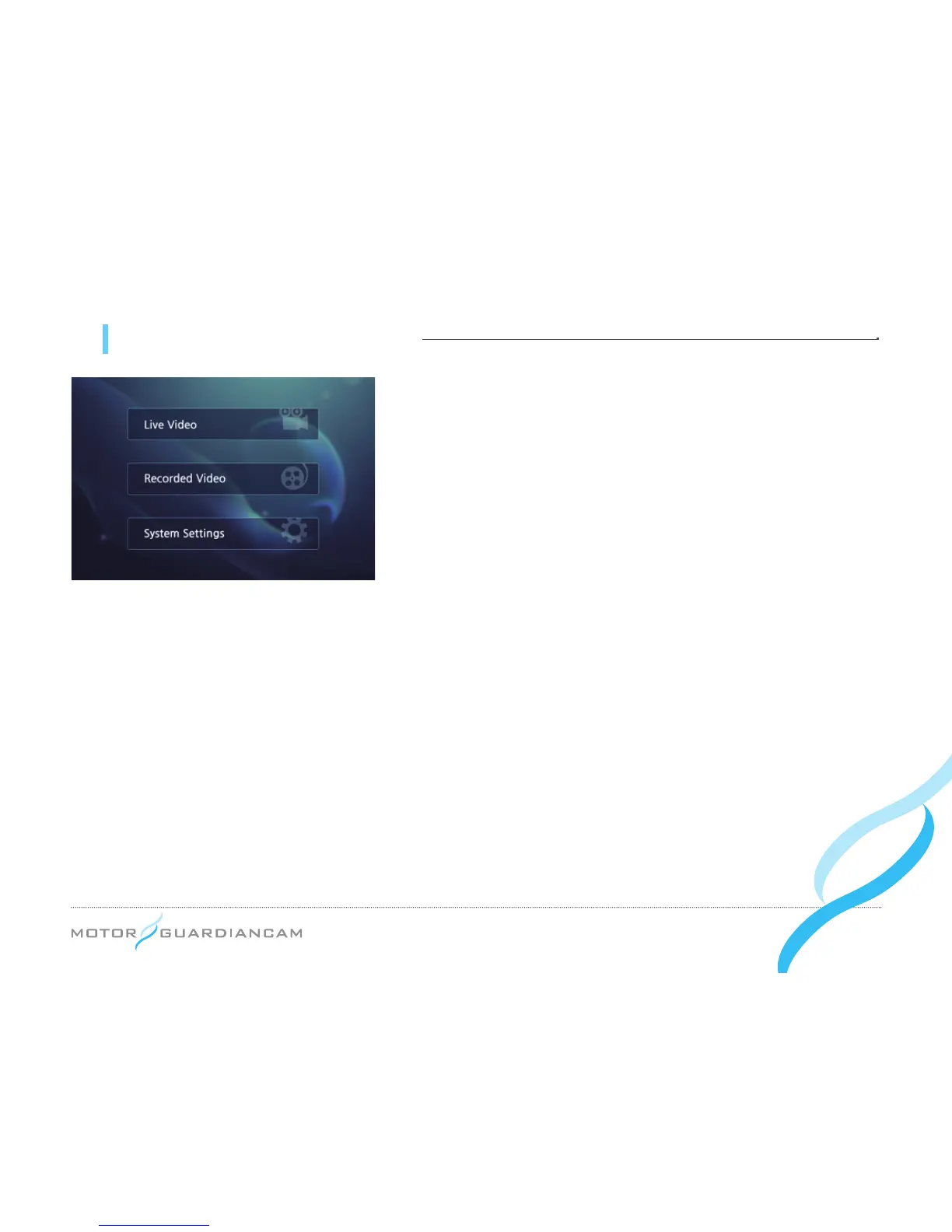
09 MDR-5000 GUI - Menu screen
»»
#
Press the MENU button of the remote control to enter the MENU.
»»
#
Select any of the three menus using the OK button: Live Video,
Recorded Video, System Settings.
»»
#
When it is displayed on the monitor, the left, right, upper, or bottom
side of a video may appear cropped because the video (720x480)
is not properly displayed on the monitor.


 To Next Page