... 17
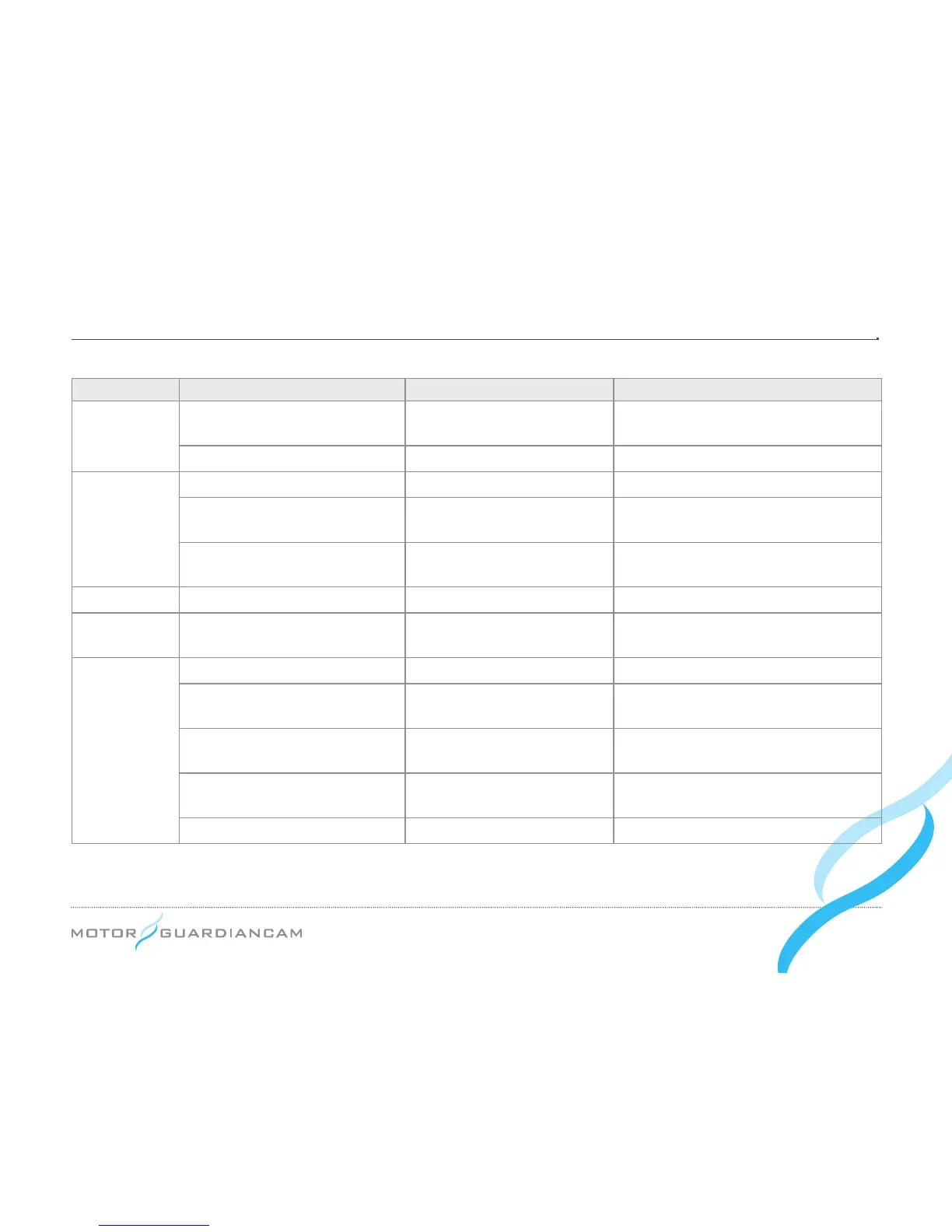
Division Situation Voice guidance Remarks
Power related
Power ON Chime bell
Recording in the driving or parking mode
depending on the ACC ON/OFF
Power OFF - -
Driving mode
Parking mode
→
ACC (start) ON “Shifting to drive mode” Rebooting as the modes shift
Shock le created during parking
“Impact during parking has
been identied.”
-
View a video, start the setup
menu
Chime bell
The chime bell sound is heard when the
Menu ends and then recording restarts.
Parking mode Drive mode
→
ACC (start) OFF “Shifting to parking mode” Rebooting as the modes shift
Update Updating the SD card -
GPS LED, ERR LED, and EVENT LED
all icker before updated.
Others
When GPS signals are received “GPS is connected.” -
When the sensor input is
abnormal
“Camera error” ERR LED ickers every 3 secs.
Errors in the SD cards’ main body “Please check the SD card.”
SD1 LED and ERR LED icker every
sec.
Errors in the T-Box’s SD card
SD2 LED and ERR LED icker every
sec.
Errors in the systems - ERR LED ickers every 2 secs.
*
LED colors
GPS LED: GREEN, ERR: RED, EVENT LED: BLUE, SD1 LED: RED, SD2 LED: RED


 To Next Page