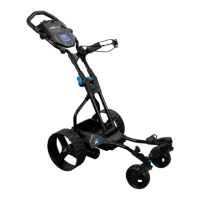
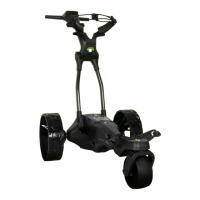
Need help?
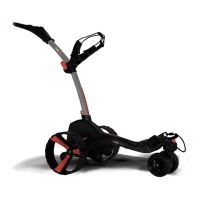
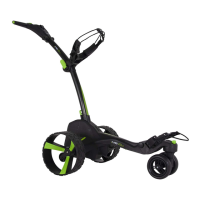
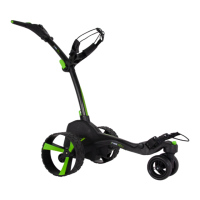
Do you have a question about the MGI zip X4 and is the answer not in the manual?
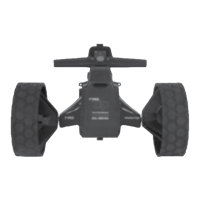
Instructions on how to attach the rear wheels to the buggy axles, ensuring a secure fit.
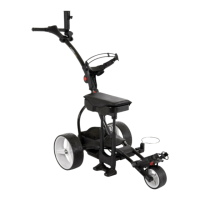
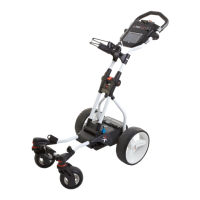
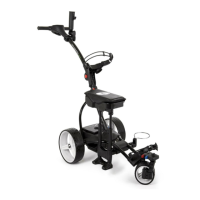
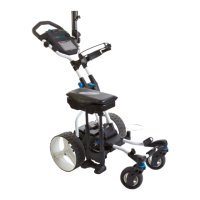
Step-by-step guide on how to unfold the MGI Zip buggy for use.
Procedure for the first full overnight charge of the battery and indicator lights.
Steps to securely connect the battery to the buggy and its fail-safe mechanism.
Instructions on how to start, stop, and adjust the speed of the buggy using the speed control.
 General
| Foldable | Yes |
|---|---|
| Range | Up to 36 holes |
| Display | LCD |
| Battery Type | Lithium |
| Material | Aluminum |
| Battery | Lithium 24V 380Wh |
| Features | USB charging port |
| Motor Type | Brushless |
| Wheels | 3 |


 To Next Page