1.0 Registration
It important you register your MGI buggy online immediately as
registration:
• Records your buggy for warranty purposes
• Speeds up any servicing required on your buggy
• Assists us to contact you with any updates to your buggy
To register your buggy, visit www.mgigolf.com
You will need to record your MGI serial number. This is found on
the buggy battery base or in the top box compartment.
Please keep this user manual on file for your own reference
and a copy of your serial number;
My MGI Buggy Serial Number is
[example AZX4V1173401234]
Purchased Date
/ /
You may be required to show proof of purchase so we
recommend you keep your receipt with this manual.
2.0 What is Included
• MGI Zip Buggy
• 24v Lithium Battery
• Battery Charger
• GPS Holder
• MGI Pouch with:
– User Manual
– Accessory Guide
3.0 Assembling Your Buggy
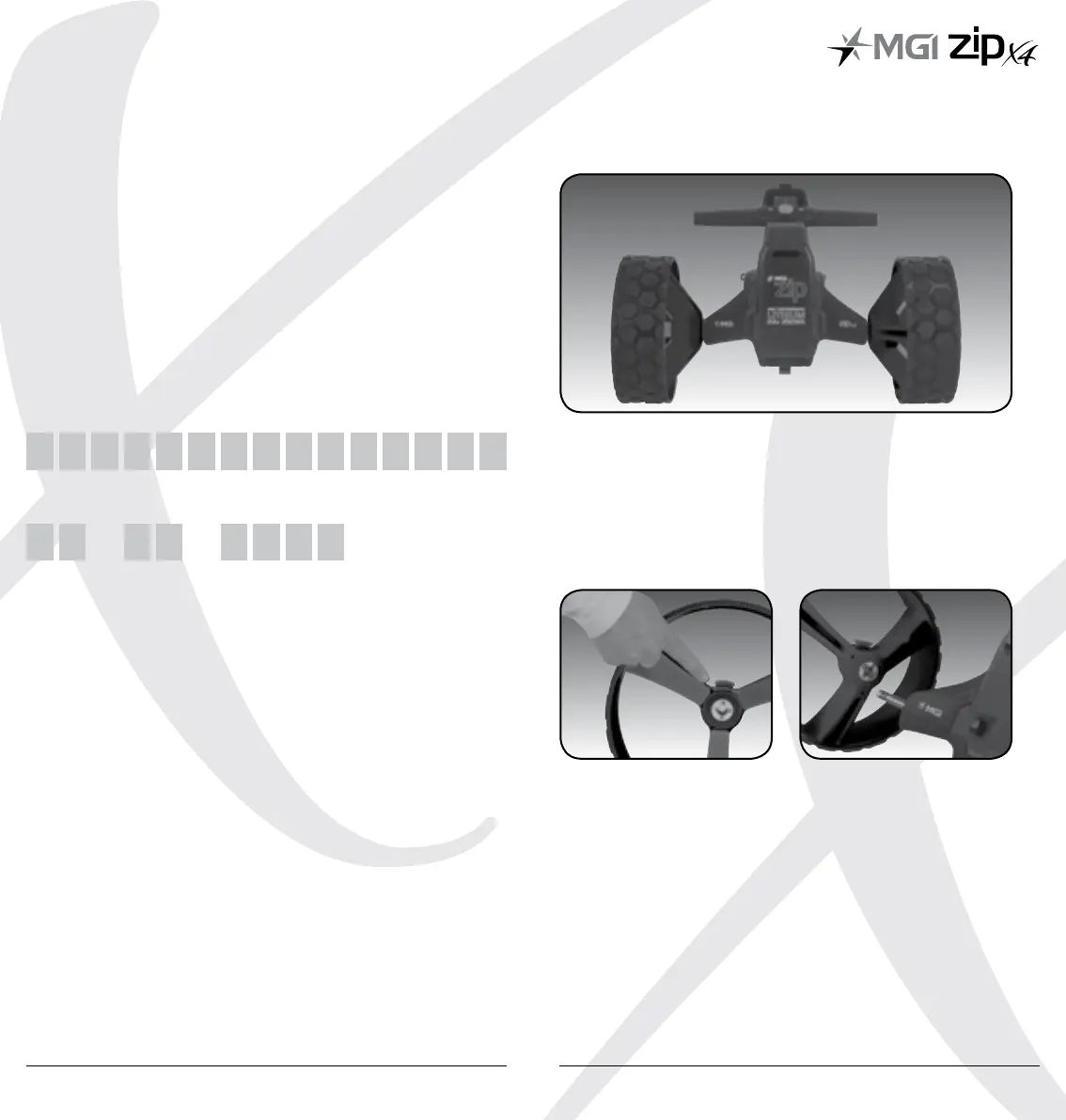
3.1 Attaching the Rear Wheels
On the wheel, press the grey release button on the wheel hub.
Place the wheel onto the axle. You will notice you need to match
up the inner female groove on the axle and the male
of the wheel. When placed in position simply release the button.
You will notice you hear a “click” when the wheel is properly
secured. To check that the wheel is properly in position pull
on the wheel. If it is properly in position it will not slide off.
Repeat for the other wheel.
MGI Zip X4 User Manual 0504



 To Next Page