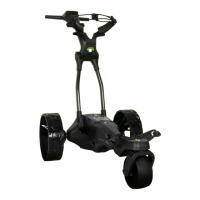
MGI Zip X4 User Manual 1312
6.0 Front Wheel Alignment
During the life of your buggy, it may require a realignment to
ensure it tracks straight on flat surfaces. Follow these instructions
to correct the front wheel alignment of the buggy.
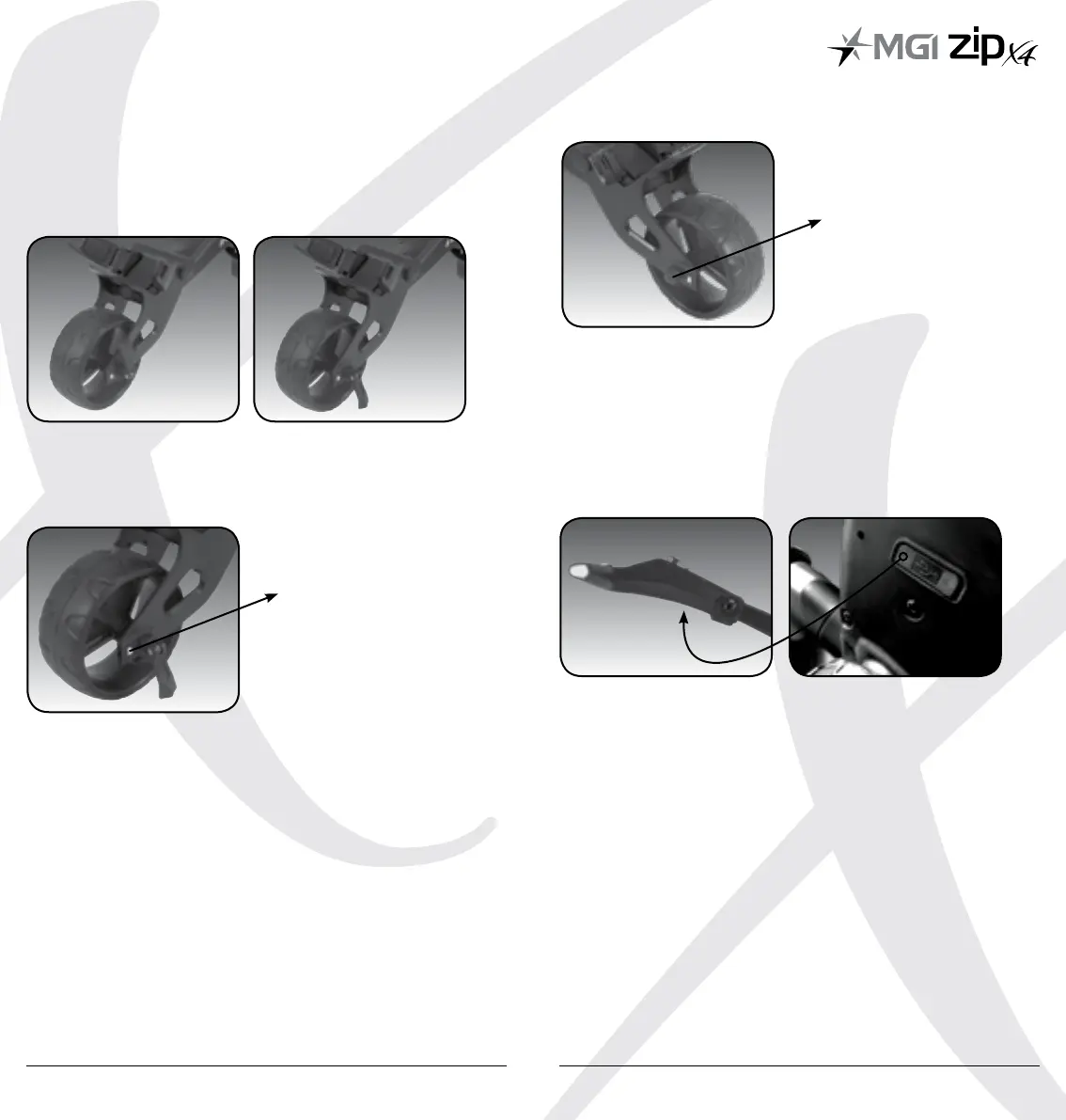
Step 1: Release and turn the lever to loosen the front wheel.
Step 2: There are two silver thumb screws located on either side
of the front wheel. Adjusting these screws will help straighten the
alignment by correcting the buggy to track more to the left or the
right.
Roll the left or right hand side silver thumb screw UP to straighten
the buggy more to the LEFT.
Roll the left or right hand side silver thumb screw DOWN to
straighten the buggy more to the RIGHT.
You can roll the screws simultaneously or individual to achieve the
desired alignment.
Step 3: Once alignment is set, turn the lever and tighten. Then
close the lever.
TIP: When adjusting the front wheel and testing the alignment,
ensure the buggy is run on a flat, smooth surface like a carpark.
6.1 USB Charging Port
The buggy comes with the added convenience of a USB charging
port to keep your devices powered across the golf course. To charge
your remote control, GPS device or phone, use a USB power cord to
connect your device to the USB charging port located underneath
the digital top box.
Thumb Screw
Tighten



 To Next Page