Page 26
WX1 Setup
Setup to WIFI REPEATER
When WIFI signal is weak, WIFI Repeater can widen the wireless transfer space effectively.
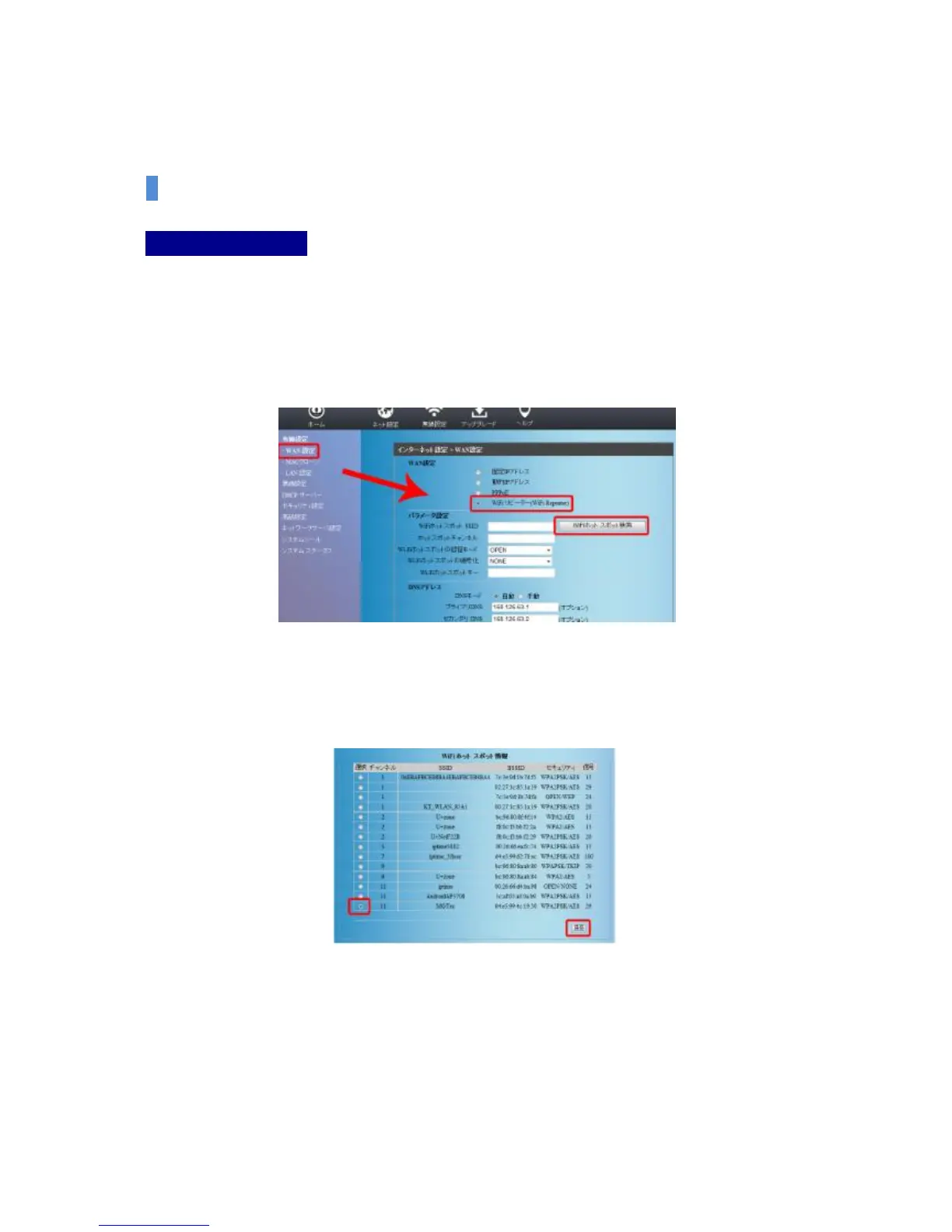
(1) Select Cable Setup-WAN Setup on the left Menu.
(2) Please select the “Scan WiFi Hotspot’ button after selecting Wi-Fi REPEATER among WAN
setup options on the right screen.
(3) The connectable Wi-Fi Hotspot list window shall appear as below.
Among those, please click the save button after selecting Hotspot that you want to
connect to.


 To Next Page