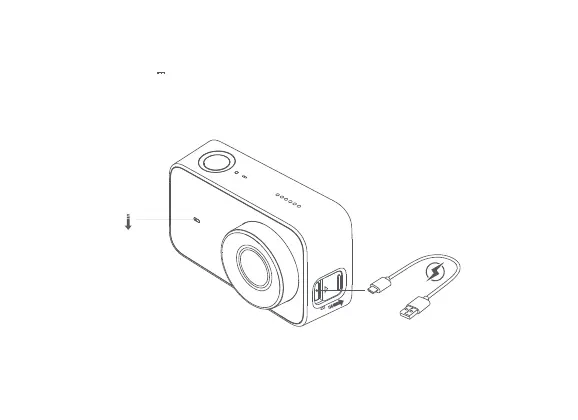
4. Baery Charging
Red
Off
Note:
It is recommended to remove the baery if you connect the camera to a power supply for
a prolonged period during use.
a. You can use a 5V 1A power adapter, PC, or mobile power bank to charge the camera
via a data cable. It is recommended to turn off the camera during charging.
b. The front indicator is solid red while charging, and turns off automatically when the
baery is fully charged.



 To Next Page