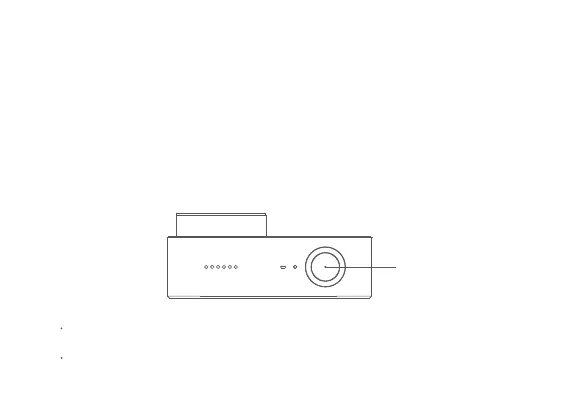
a. Power-on/Power-off
Power-on: Press and hold the function buon for about 3 seconds, followed by a power-on sound.
Power-off: Press and hold the function buon for about 3 seconds, followed by a power-off sound.
b. Photo
Select the photo mode, and press the function buon to take photos.
c. Video
Select the video mode, and press the function buon to start the recording.
Press the function buon again to stop the recording.
5. Operating Instructions
Function buon
Note:
When shooting a 4K-video, it is recommended to use a main brand UHS-3 MicroSD card
with a capacity not less than 16 GB.
Video files are stored in the FAT32 format. The maximum size of a single video file is 4 GB.
A video file exceeding 4GB will be fragmented for storage.


 To Next Page