This version is for private use only and should not be distributed.
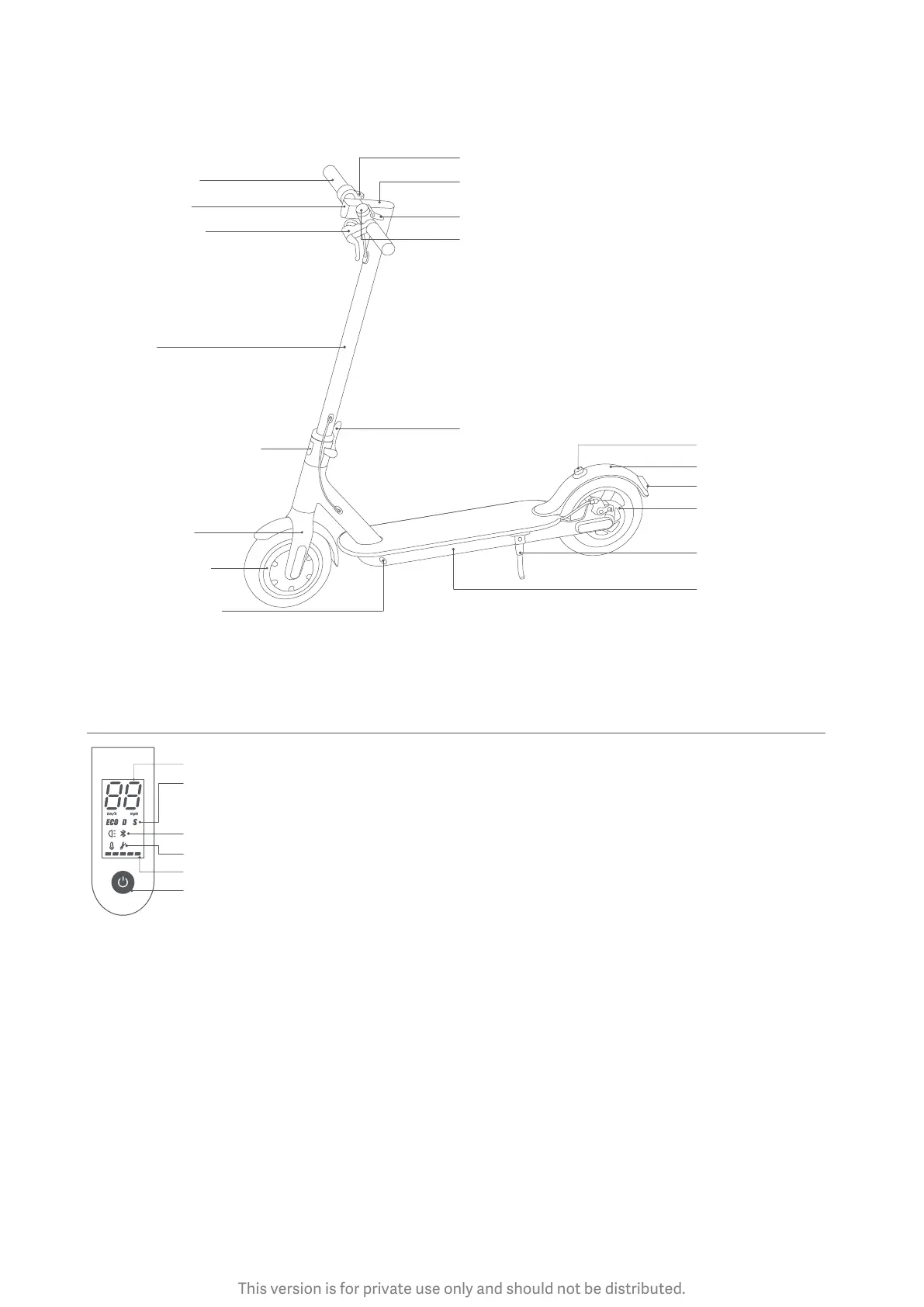
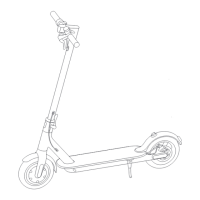
2. Product Overview
Baery
Compartment
Disc Brake
Brake Light
Buckle
Scooter Bell Lever
Control Panel & Power Buon
Accelerator
Mudguard
Quick Release Lever
Kickstand
Folding Mechanism
Front Fork
Stem
Wheel Motor
Charging Port
Headlight
Handlebar
Brake Lever
Control Panel & Power Buon
Speedometer: Display the current speed of the scooter, as well as to display error codes.
Modes: Three riding modes available. "ECO" for Energy Saving mode (top speed approx. 15 km/h, smooth throle, suitable for
beginners), "D" for Standard mode (top speed approx. 20 km/h) and "S" for Sport mode (top speed approx. 25 km/h,
powerful, only recommended for skilled riders).
Bluetooth: The icon indicates that the scooter has been successfully connected to the mobile device.
Error: The wrench icon indicates that the scooter has detected an error.
Baery Level: The baery power is indicated by 5 bars, each representing approximately 20 % of a full baery.
Power Buon: Press the buon to turn the scooter on, and press and hold the buon for 3 seconds to turn the scooter off.
When the scooter is on, press the buon to turn the headlight on/off, and double press to switch between modes.
Scooter Bell


 To Next Page