20
Auto Focus Keystone Correction
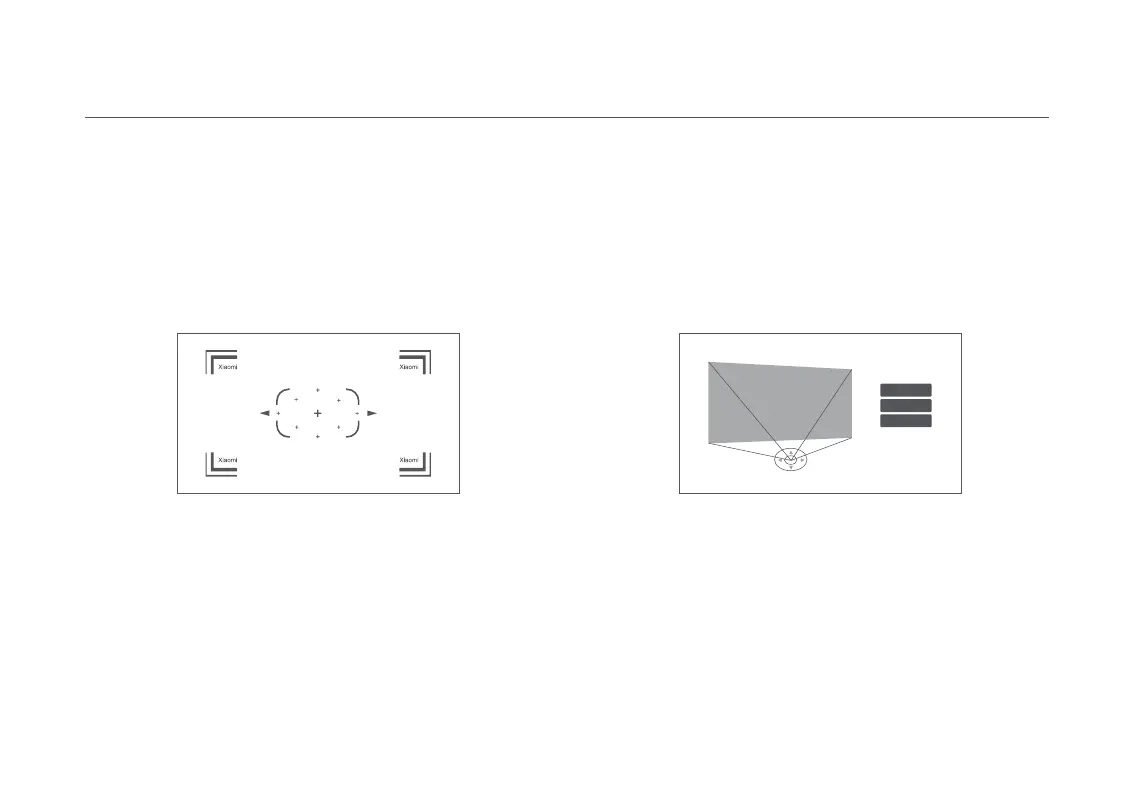
Go to Settings > Projector > Focus and select Execute Focus, the
screen will focus and once it is finished you can press the left or
right button on the remote control for further fine-tuning.
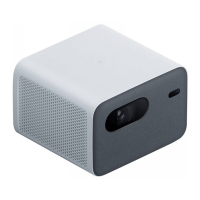
Go to Settings > Projector > Keystone Correction > Keystone
Correction, and use the up and down buttons to select Quick
Adjustment, Fine Tuning, and Reset, then press the OK button
to enter the correction mode.
If the projector is moved, it will start automatic keystone
correction and the projected image will be adjusted automatically.
Note: Go to Settings > Projector > Keystone Correction, to
configure Auto Keystone. Auto Keystone is enabled by default.
Go to Settings > Projector > Focus and select the Auto
Focus switch, when it is enabled, moving the projector will
automatically trigger the screen to focus.
Quick Adjustment
Fine Tuning
Reset


 To Next Page