Copyright © 2009-2014 Micca. All rights reserved. Page | 10
4.2.4 Additional Setup
After the initial setup, it’s strongly recommended that the player’s video output resolution be set
to match the TV’s resolution. Please refer to ‘8.3.2 TV System’ for more details on configuring
the player’s video output.
4.2.5 Main Menu
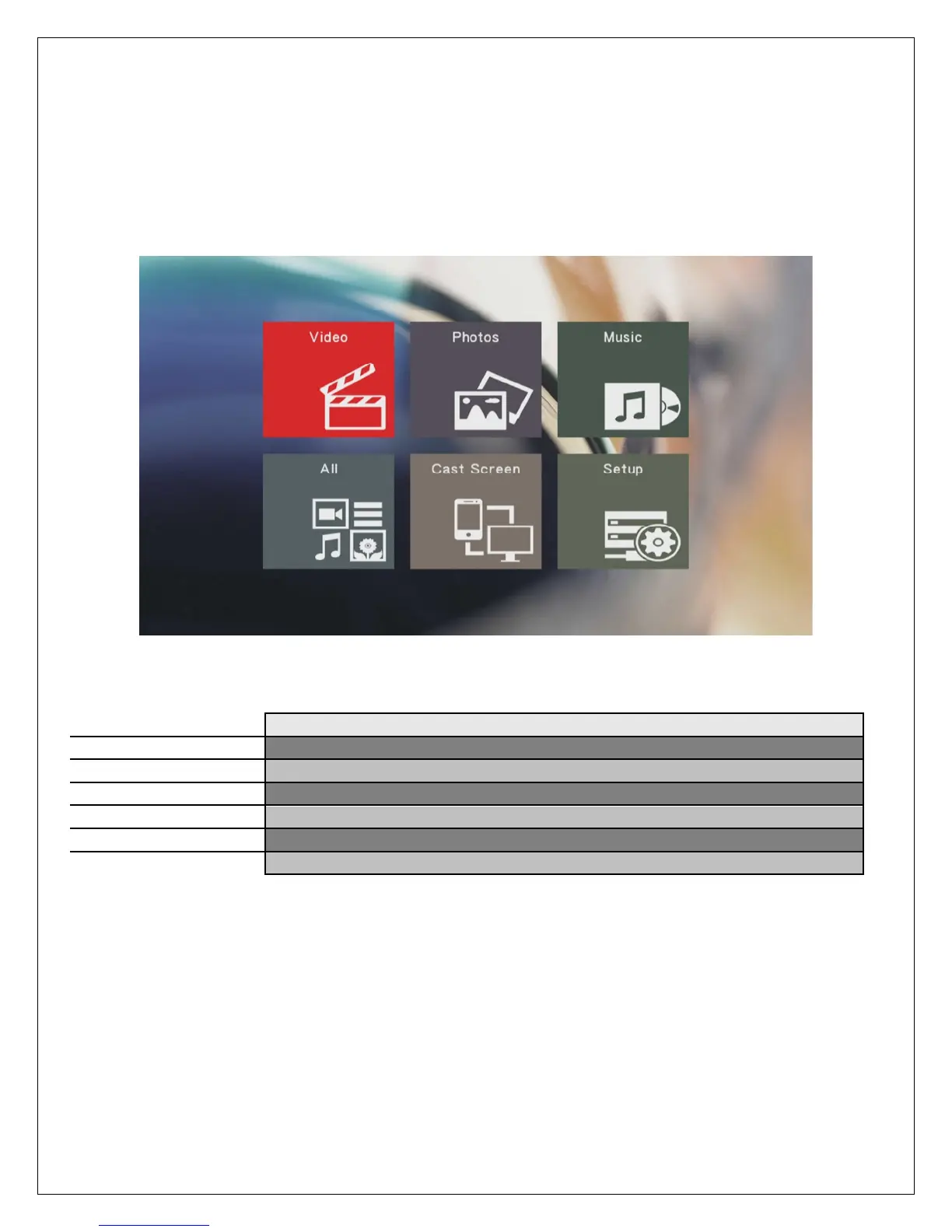
When the initial setup is complete, the player will display the main menu.
The main menu contains icons that represents player functions available for use. The main
menu items have the following functionality:
Browse and play video files
Browse and view photos
Browse and play music files
Browse and play all supported media types
Start the cast screen feature
Access the setup menu to change player settings



 To Next Page