Copyright © 2009-2014 Micca. All rights reserved. Page | 23
6.3 Viewing Photos
While viewing photos, the following remote control commands are available:
Press to view photo full screen
If Slide Show Timing is not set to Off, slideshow will start
Press to stop viewing photo full screen
Press to go to the previous photo.
Press to go to the next photo.
When not viewing a slideshow, press to zoom in or out the image.
Press to display information about the current photo.
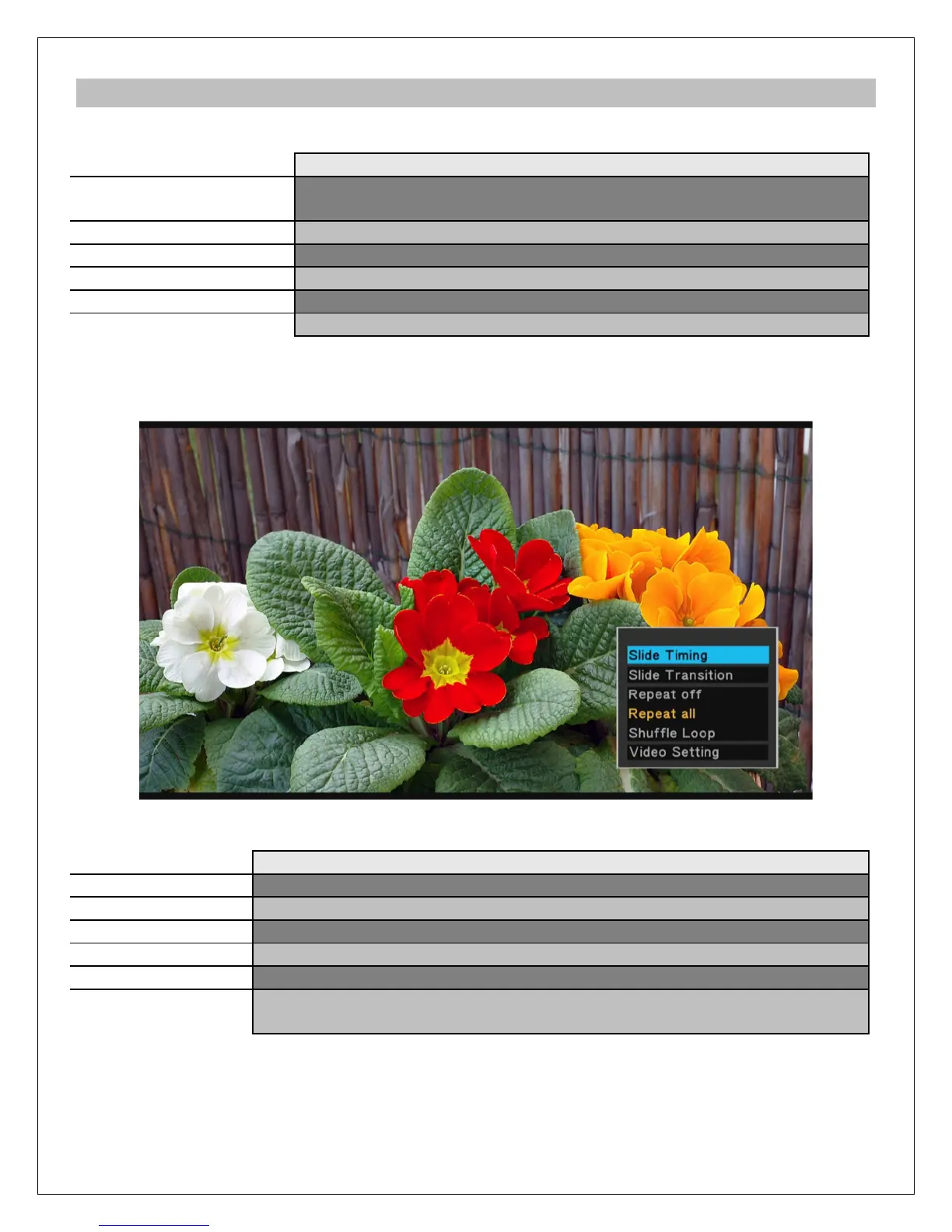
The photo settings menu provides on-screen access to additional photo viewing options. To use
the photo settings menu, press the MENU button while viewing a photo full screen.
The photo settings menu offers the following settings:
Sets the time delay between photos in a slideshow
Sets the transition effect between photos in a slideshow
Select to set repeat to off
Select to repeat all photos in the media library
Select to shuffle view all photos in the media library
Display and change the player settings for Brightness, Contrast, Hue,
and Saturation.



 To Next Page