Copyright © 2009-2011 Micca, Ltd. All rights reserved.
2. Press the <OSD> button on the remote control. The information box on
the right side of the screen will prompt the user to select copy or delete
operations.
3. Highlight [Delete] and press the <OK> button on the remote control. The
information box will now prompt the user to confirm or cancel.
4. To confirm deletion of the marked file(s), highlight the [
]
icon on the
screen and press the <OK> button on the remote control. To cancel the
operation, highlight the [X] icon and press <OK>.
5. Once the delete operation has completed, the information box will display
a [Finished] button; press <OK> to clear this confirmation.
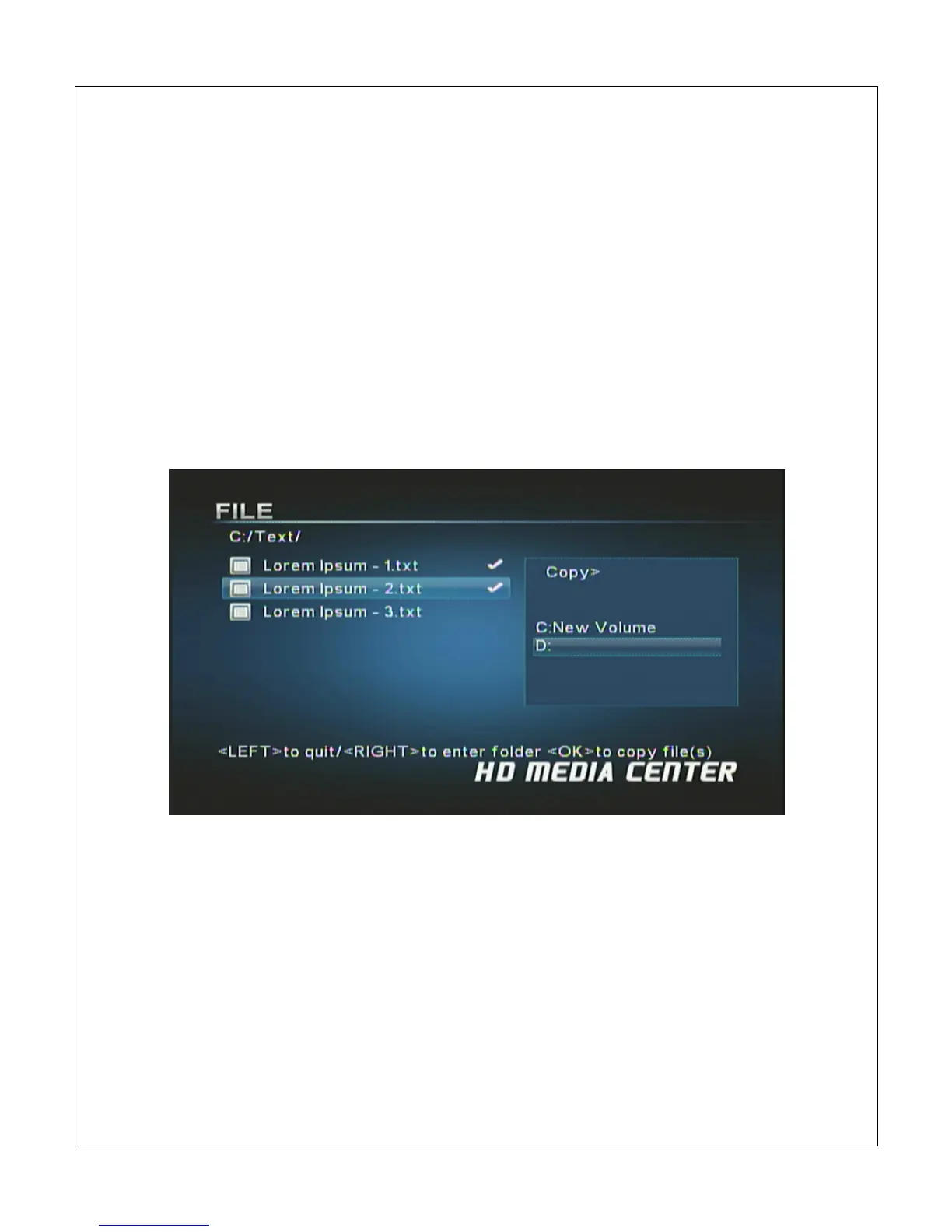
The following steps describe the process of copying a file:
1. Highlight the file in the file/folder directory and press the <
> button on
the remote control to mark it. Multiple files in the same folder can be
marked at the same time.
2. Press the <OSD> button on the remote control. The information box on
the right side of the screen will prompt the user to select copy or delete
operations.



 To Next Page