Copyright © 2009-2011 Micca, Ltd. All rights reserved.
3. Highlight [Copy] and press the <OK> button on the remote control. The
information box will display a list of currently available storage devices for
the user to select as the copy target.
4. Highlight the desired storage device and press the <
> button on the
remote control. The information box will display available folders on the
selected storage device.
5. Navigate into subfolders as needed using the <
>, <
>, <
> and <
>
buttons on the remote control. The selected target directory will be
displayed at the top of the information box.
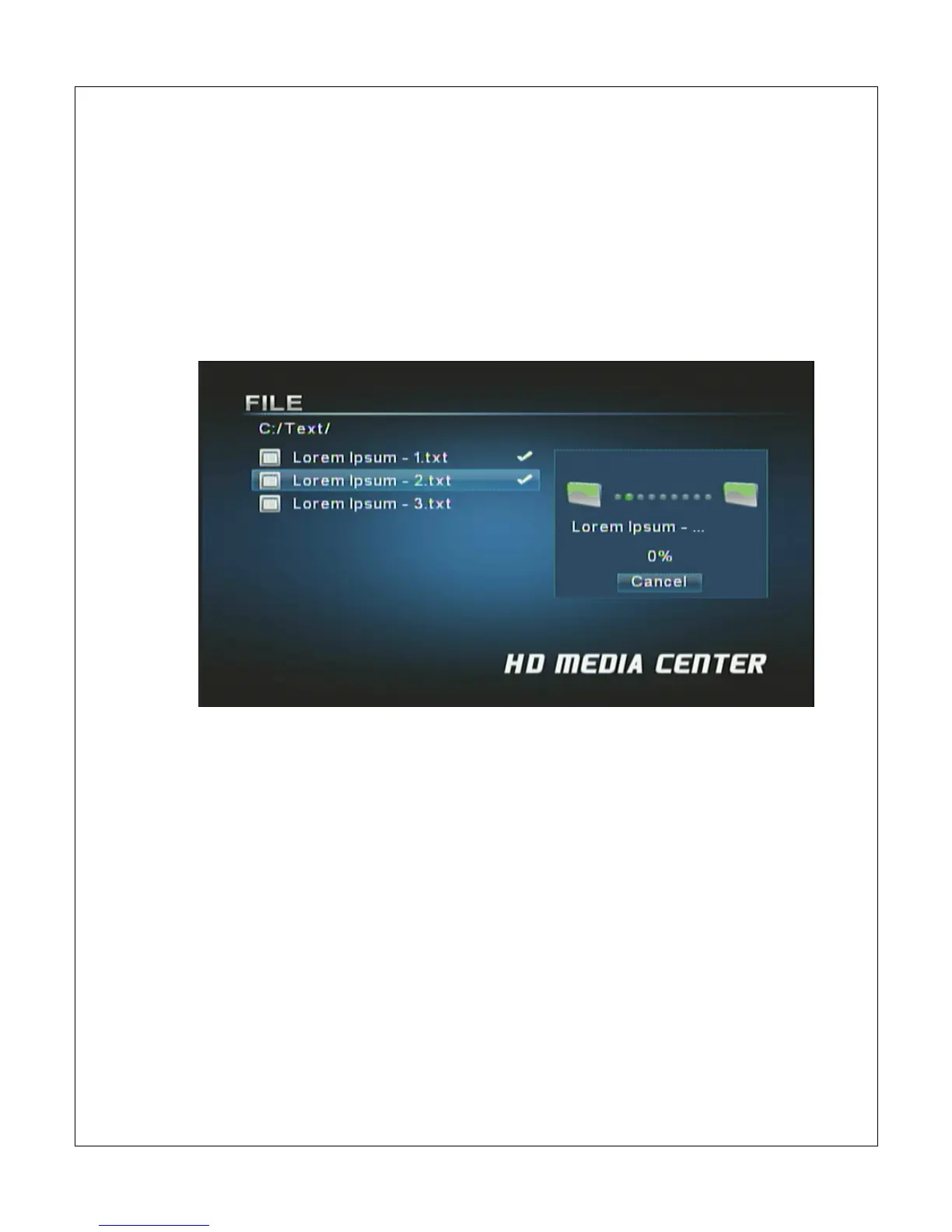
6. Once the correct target directory is displayed in the information box, press
the <OK> button on the remote control to confirm copying of the selected
file(s).
7. Once the copy operating has completed, the information box will display a
[Finished] button; press <OK> to clear this confirmation.



 To Next Page