EasyManua.ls Logo

Micca mplay - MPLAY Device Layout; On-Device Controls

Micca mplay
32 pages
Print Icon
To Next Page IconTo Next Page
To Previous Page IconTo Previous Page
Loading...
Copyright © 2009-2011 Micca, Ltd. All rights reserved.
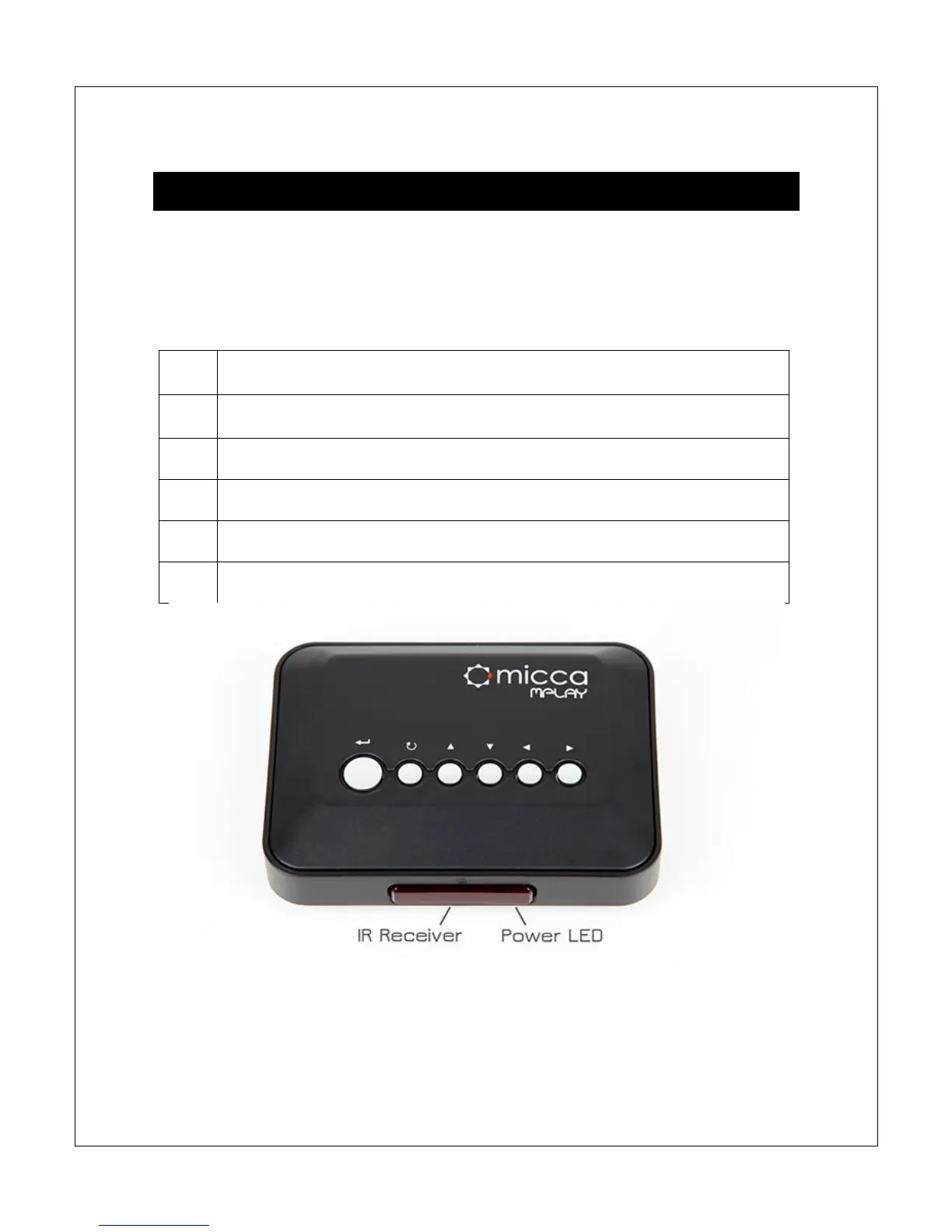
IV. MPLAY Device Layout
The Micca MPLAY has built-in buttons for performing basic playback controls
without the IR remote control. The buttons from left to right are: Enter, Return, Up,
Down, Left, and Right. These buttons serves as the same functions as the
following IR remote control buttons:

Maps to OK button
Maps to Stop/Return button
Maps to Up button
Maps to Down button
Maps to Left button
Maps to Right button
The back of the MPLAY has the following items:

Related product manuals