Copyright © 2009-2018 Micca. All rights reserved. Page | 4
3 Product Overview
3.1 Connections and Controls
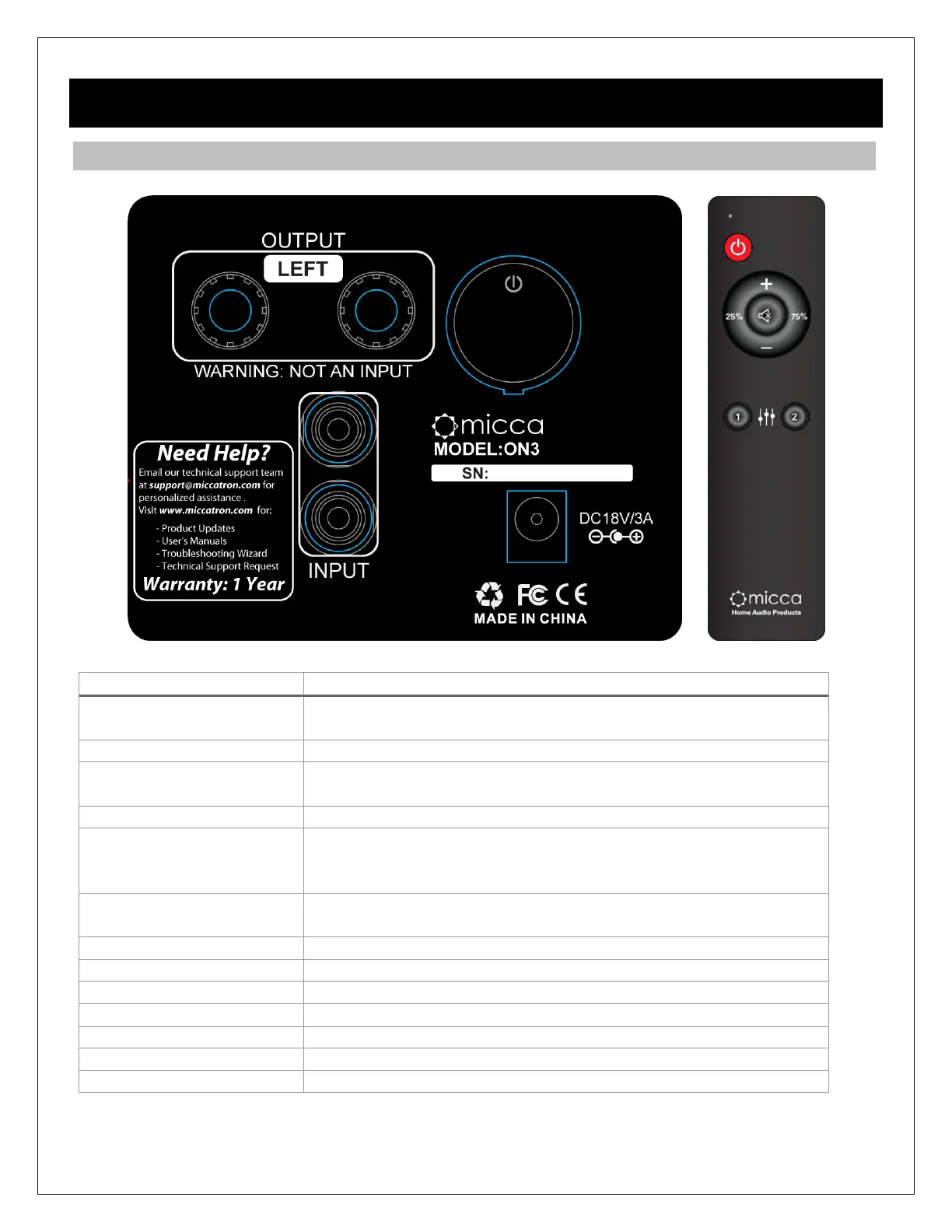
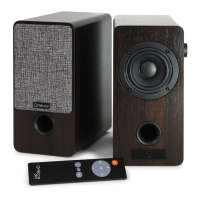
Power switch. Leave on for normal use. Press the side
volume knob to turn the speakers on or into stand-by mode.
Line-level stereo input RCA jacks.
Speaker output to the left speaker. DO NOT CONNECT A
DIFFERENT AMPLIFIER TO THESE JACKS.
Power jack, for use only with the supplied power adapter.
Not Pictured. Sets the playback volume. Press to turn
speaker on or into stand-by mode. Press and hold for 2
seconds to toggle between EQ1 and EQ2
Not Pictured. Line-level stereo input 3.5mm jack. Overrides
rear RCA input when an AUX cable is inserted.
Press to turn speaker on or into stand-by mode.
Increase or decrease volume.
Mute the output, press again to unmute.
Set the playback volume to 25% - See Section 5.2
Set the playback volume to 75% - See Section 5.2
Select EQ1 sound profile – See Section 5.3
Select EQ2 sound profile – See Section 5.3


 To Next Page