17
3. Press C or D to advance the timer value up or down.
4. Press A to exit Timer setting mode.
Alarm
There are four possible alarms that can run simultaneously.
1. In Alarm Mode, press D to select Alarm 1-4. In each alarm, press C button to
turn on/off the alarm chime.
2. In the selected Alarm (1-4), press and hold A button for 3 seconds to enter
setting mode.
3. Press C or D button to advance hour up or down. Press B button to advance to
minute setting.
4. Press C or D button to advance minute up or down. Press A button to finish
setting alarm.
5. When alarm sounds, press any button to turn off the chime or it will
automatically turn off in 30 seconds.
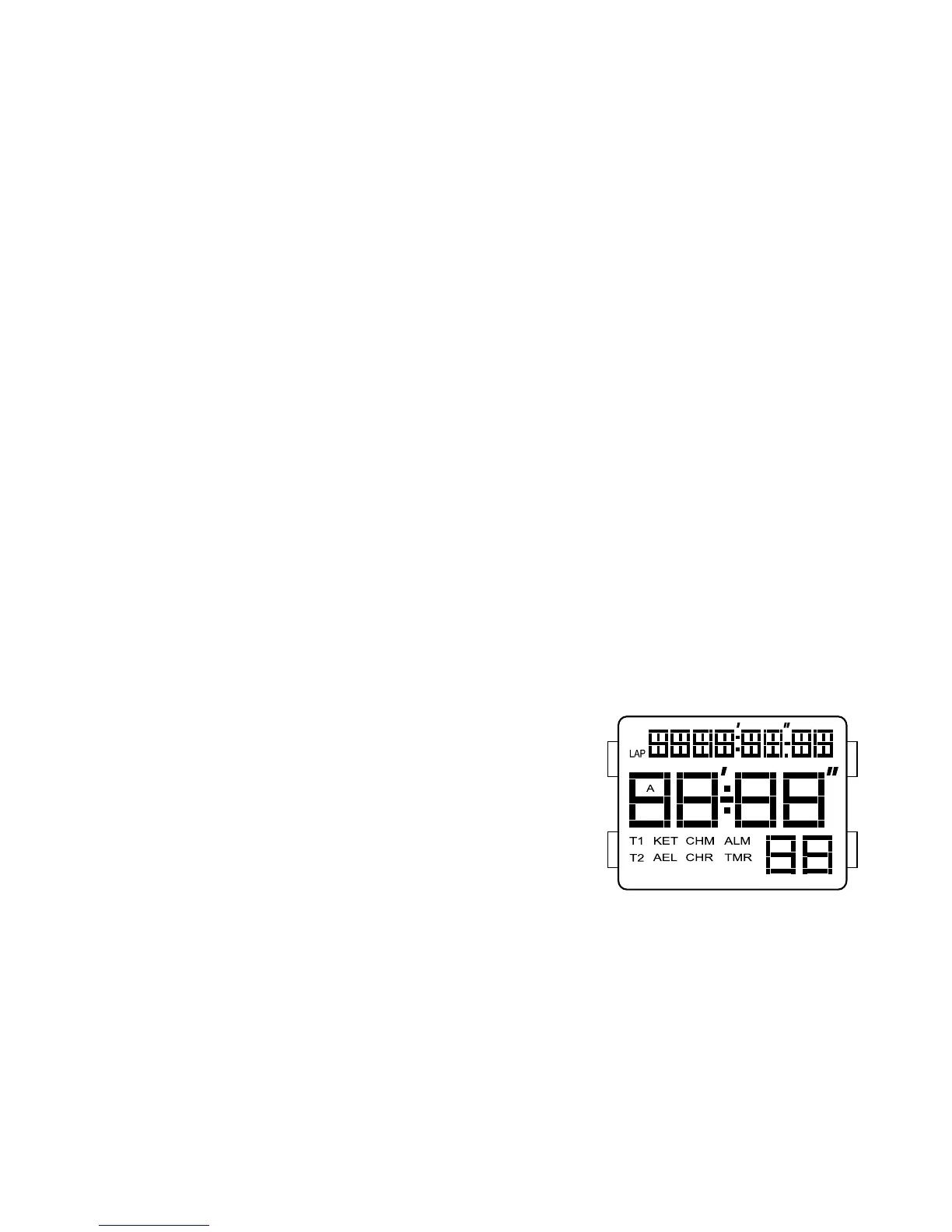
DIGITAL LCD 2 – FL145GB
Real Time Display Mode
1. Press A for EL in any mode.
2. Press C to toggle between Time 1 and Time 2.
3. Press and hold C to set Time 1 or Time 2 as the
default timer.
4. Press D to toggle chime on/off.
Time/Calendar Setting
1. In normal time display, press and hold A to enter setting mode; chime will begin
flashing.
2. Press C to increase setting value. Press D to decrease setting value.
3. Press B to set and advance to next setting value.


 To Next Page