4. Package Content
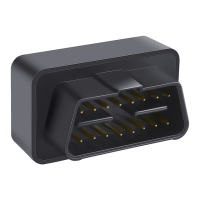
MV66 OBD Tracker
User Guide
Packing Box
OBD Extension Cable(optional)
x 1
x 1
x 1
x 1
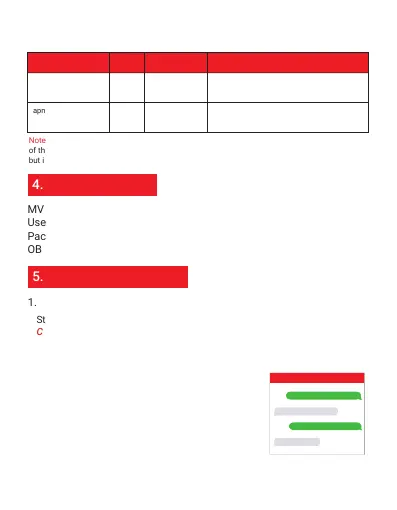
apn,apn content,
apnuser,apnpasswd#
apn ok
apn,orange,
orange,orange#
apn,internet#apn okapn,apn content#
SMS Command
Format
Reply Example
Note
If there has APN user and APN apnpassword,
then please use this command for
configuration
If there doesn't have APN user and APN
password, then please use this command for
configuration
5. Functions Explanation
1. Voice Monitor
Please get the exact correct APN name from local SIM card provider.Take the tracker to a good
signal place for operation and configure the APN for it as below:
Second Step: Configure APN
Step 1: Set up a center number for the device:
CENTER,A,CENTER NUMBER#
Step 2: Use the center number to set up a number
for the tracker to call back:
MONITOR,number for monitor#
For example, if your cellphone number is
008613655559999, then you can set up the center
number like this: CENTER,A,+8613655559999#
For example: MONITOR,+8613366668888#
The tracker will make a call to this number +8613366668888 and this
number can pick up the call to monitor the voice around it.
Note: Please add country code as prefix with your
cellphone number!
For example:
CENTER,A,008613655559999#
MONITOR,+8613366668888#
SET CENTER NUMBER OK
SET MONITOR OK
MV66
Note: The APN information is very important, it must 100% correct to match with the sim card
of the tracker, if you configured wrong APN, the tracker also will reply "SET APN ok"
but it will can't get online!


 To Next Page