19
Charging the battery
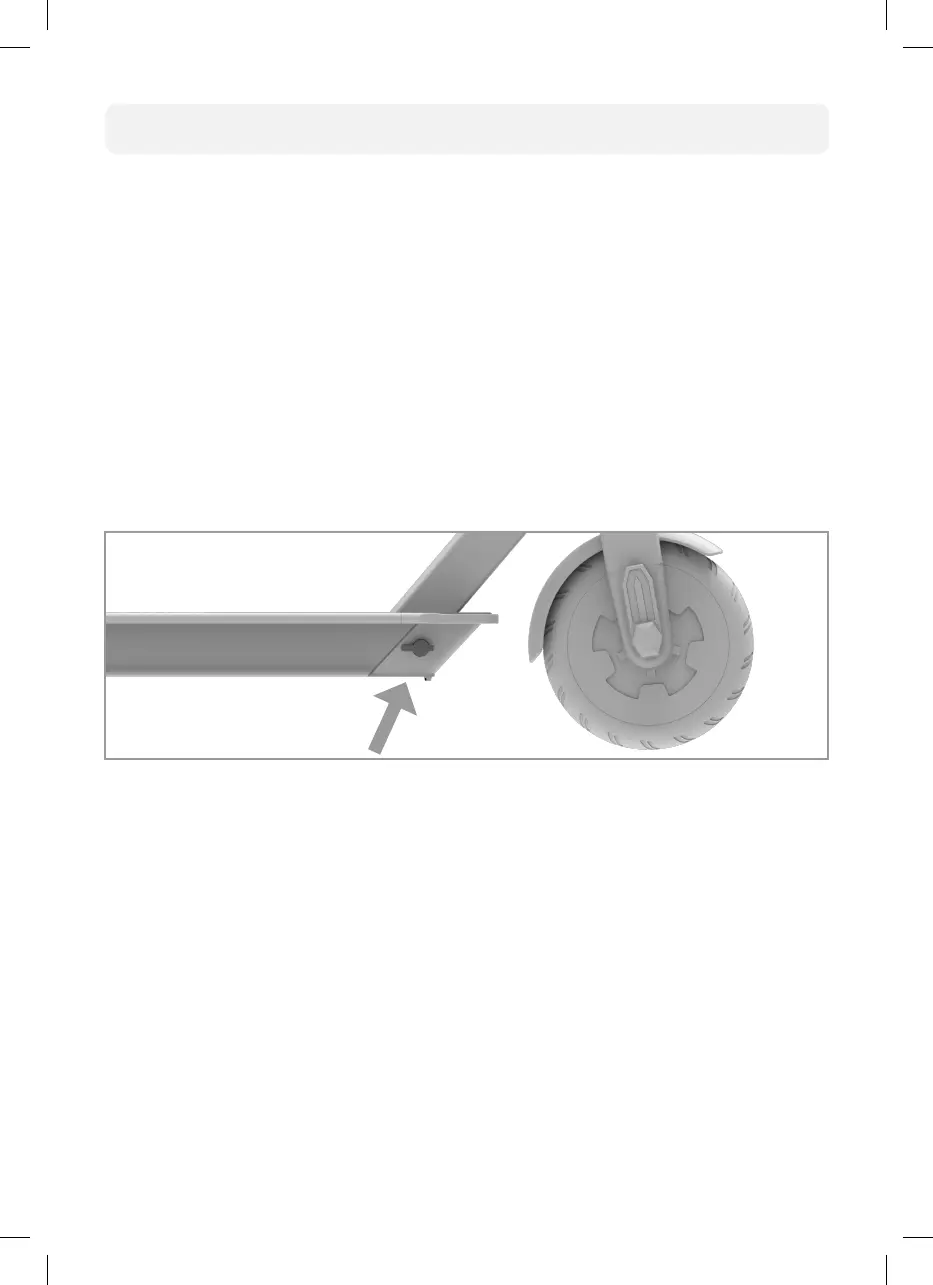
The following describes the charging process:
Connect the charger to an electrical outlet. The LED display on the charger should
now light green.
Ensure the scooter is turned o before charging and remains o while charging.
Now connect the electric scooter to the charger. You can see that the charger and
scooter are connected correctly when the LED display on the power supply unit
changes to red (this may take a few seconds).
When the scooter is fully charged, the LED display on the charger changes back to
green.
Each charge cycle from empty to full will take approximately 6 hours.
Your charger may get warm during use. This is normal and is no cause for concern.
Micro_X21_Book.indb 19Micro_X21_Book.indb 19 21.06.21 16:0821.06.21 16:08


 To Next Page