8 IM-5025 REV E
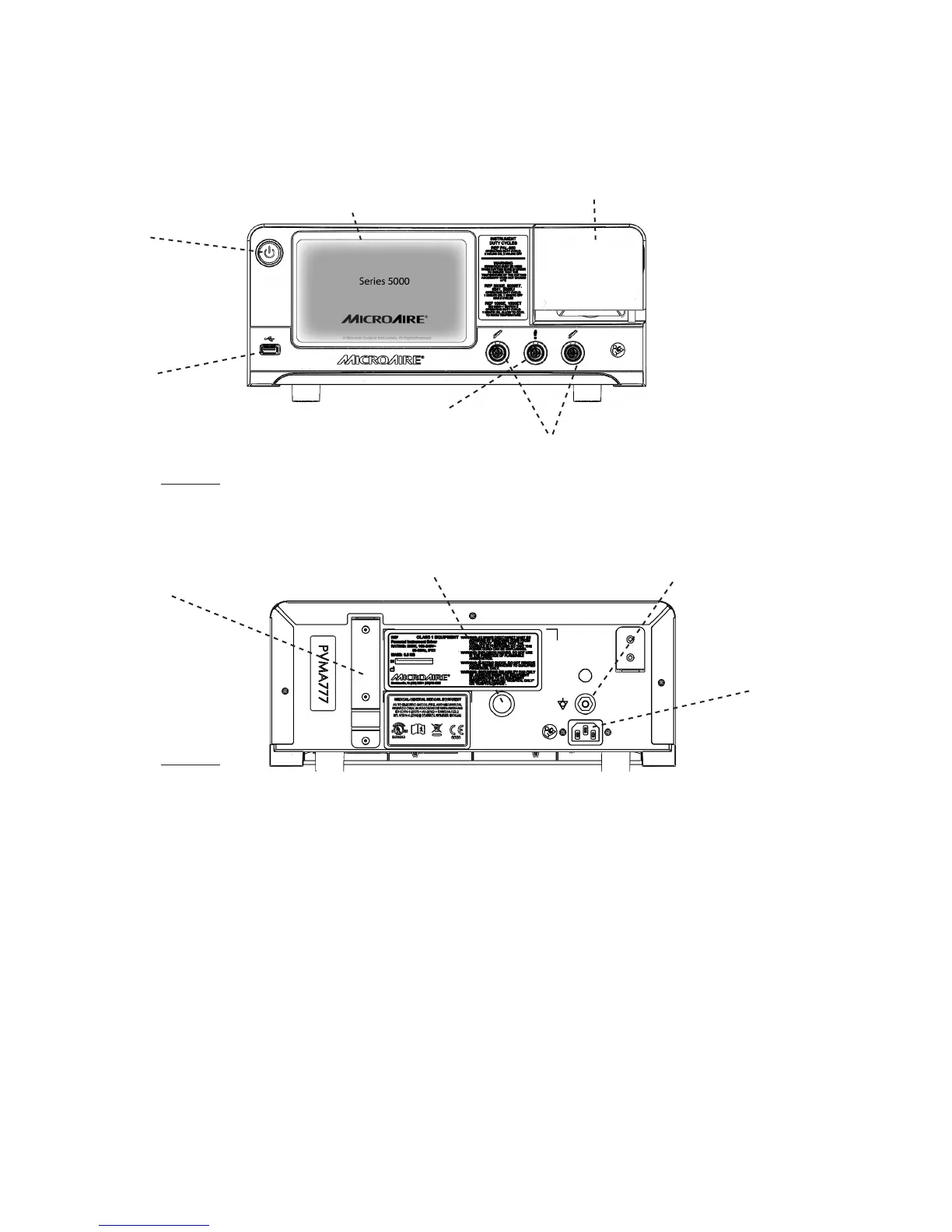
Standby Button
Blinking when in
stand by , must press
and hold to power up
Foot Pedal Connector
(Not used with PAL-650)
Handpiece connectors
Allows connection and running of
handpieces simultaneously
USB Serial Port
Communication port
used for software
upgrade(s)
Irrigation Pump
(Not used with PAL-650)
Color Touch Screen
Touch screen to control settings
FIGURE 1
Power Receptacle
Connect Console power
cord and connect to
facility power outlet
Irrigation Bag Pole-Mounting Bracket
(Not used with PAL-650)
Contact Closure
Used for control of MicroAire-
compatible suction pumps
Potential Equalization Connector
Used for common ground among
multiple instruments in procedure
FIGURE 2
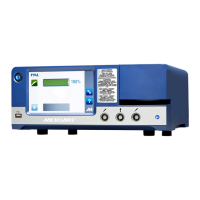
REF 5020 / REF 5025 Instrument Control Console Features
Sytem Setup



 To Next Page