EasyManua.ls Logo

Microgate SyncLink GT2E - Page 11

Microgate SyncLink GT2E
18 pages
Print Icon
To Next Page IconTo Next Page
To Previous Page IconTo Previous Page
Loading...
RS-232
The RS-232 standard uses single ended signals on a DB-25 connector. The adapter DB-25 connector
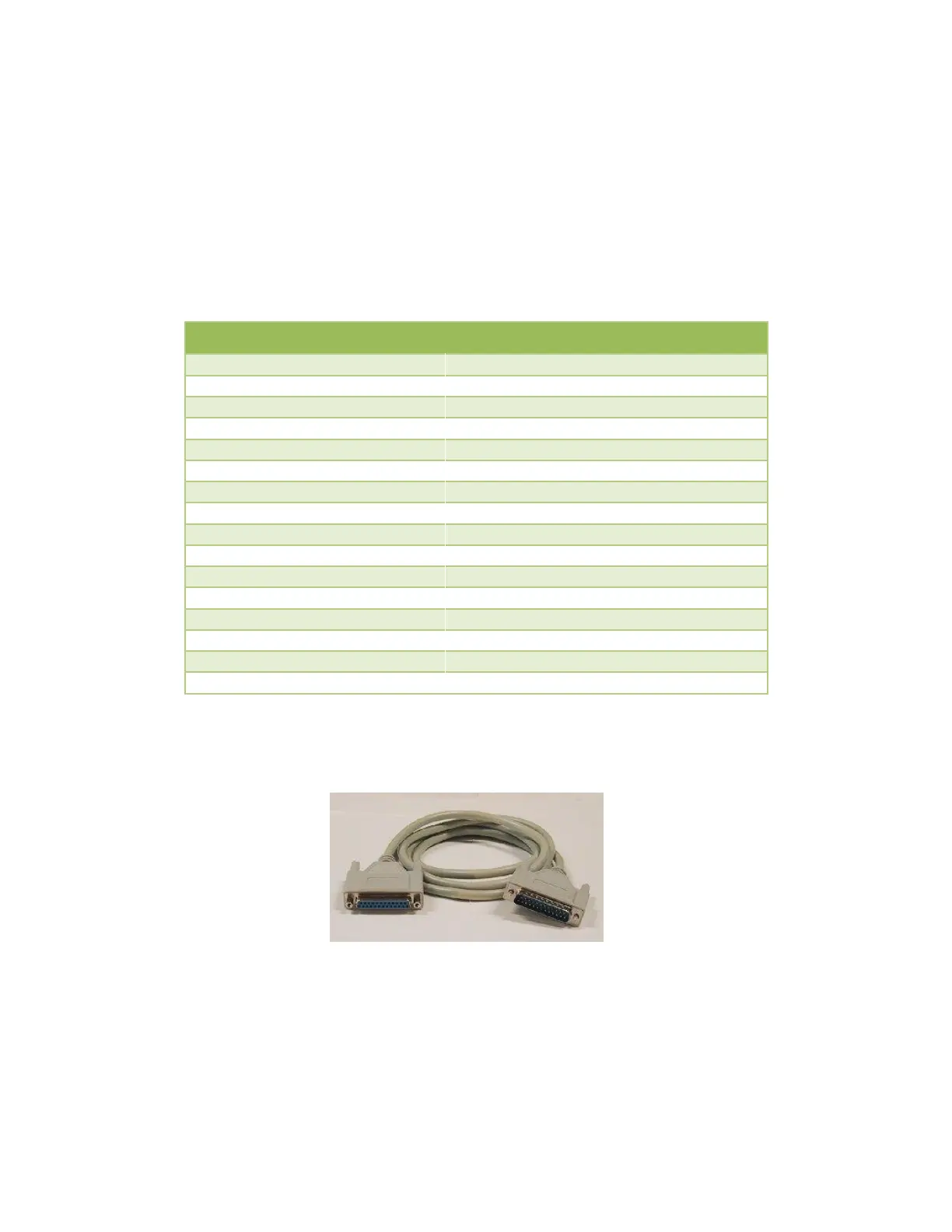
follows this standard when the port jumpers are installed for RS-232. Use any straight through 25
conductor DB-25M to DB-25F cable (such as MicroGate Part # CMF000) to connect the adapter
connector to the communications equipment.
The maximum data rate supported by the adapter when using RS-232 is 128Kbps. Cable length and
signal loading may reduce the maximum usable data rate from this value.

RS-232 DB-25 Male DTE
Signal Name
Electrical Desc
Pin #
Direction
Earth/Shield Ground
1
TxD, Transmit Data
RS-232/V.28
2
Output
RxD, Receive Data
RS-232/V.28
3
Input
RTS, Request to Send
RS-232/V.28
4
Output
CTS, Clear to Send
RS-232/V.28
5
Input
DSR, Data Set Ready
RS-232/V.28
6
Input
Signal Ground
7
DCD, Data Carrier Detect
RS-232/V.28
8
Input
TxC, Transmit Clock
RS-232/V.28
15
Input
RxC, Receive Clock
RS-232/V.28
17
Input
LL, Local Loopback Control
RS-232/V.28
18
Output
DTR, Data Terminal Ready
RS-232/V.28
20
Output
RL, Remote Loopback Control
RS-232/V.28
21
Output
RI, Ring Indicator
RS-232/V.28
22
Input
AuxClk, DTE Clock Output
RS-232/V.28
24
Output
Figure 5 RS-232 Cable (Part# CMF000)

Related product manuals