microHAM © 2016 All rights reserved
HELP MENU
Manuals: Link to microHAM manuals located on your system.
Setup Guides: Link to software configuration guides for many common applications.
Cable Schematics: Link to cable diagrams.
Download Documents: Downloads microHAM documentation including updated manuals and setup
guides. You may specify the products for which you want documentation.
NOTE: Requires an Internet connection.
microHAM Home Page: Link to www.microHAM.com
microHAM Downloads Page: Link to www.microham.com/contents/en-us/d29.html
Show Tooltips: When checked, small, single line help is displayed below the mouse cursor.
Update Router: Download and install the most recent version of Router.
About: Shows the Router's internal version number
Change logs: Shows the Router and firmware changes.
DEVICE CONFIGURATION TABS
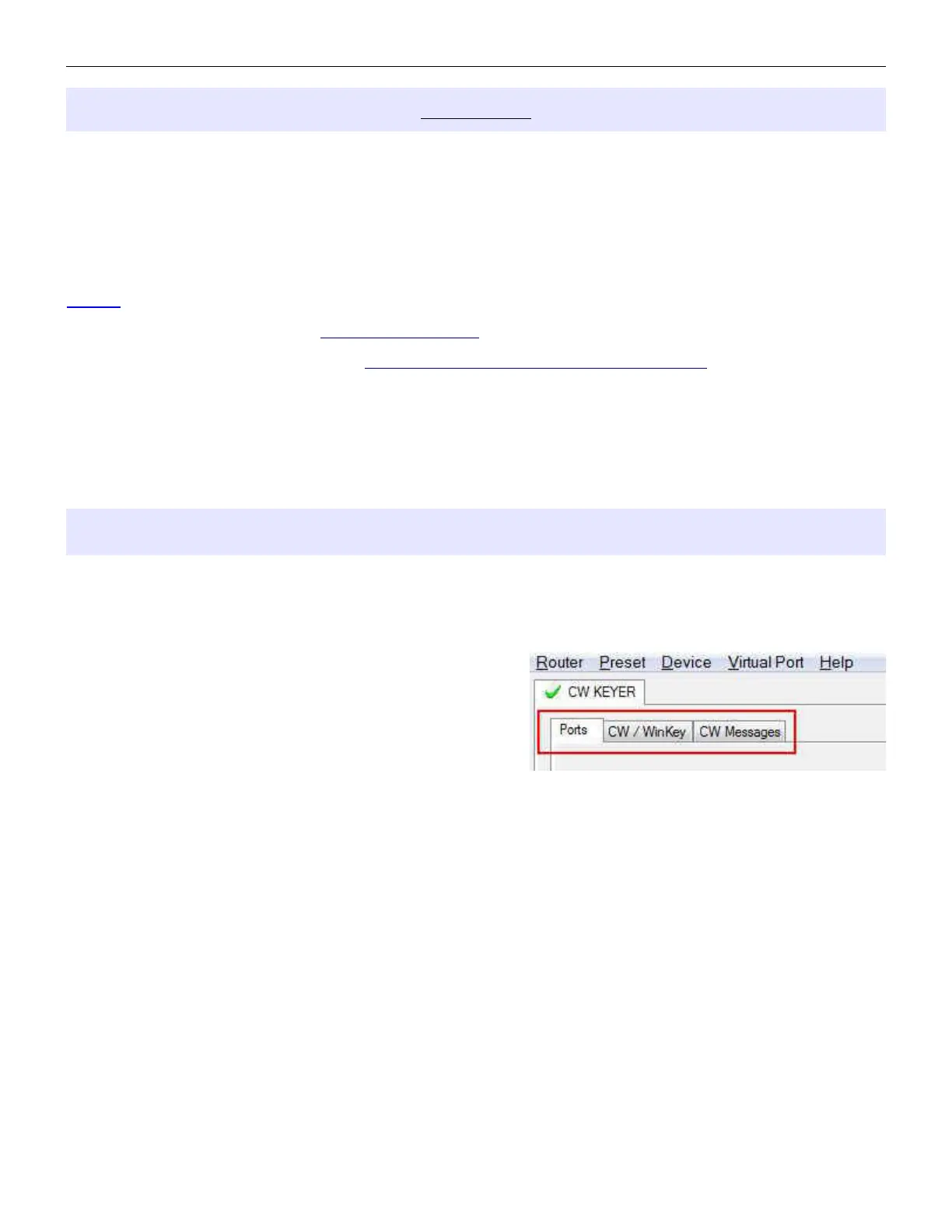
There are three (3) tabs for configuring CW Keyer. Any change to the first two (2) tabs are applied
immediately to CW KEYER. Changes in Messages are NOT applied automatically. To store them use
buttons Store or Store All.
Ports - used to assign virtual ports to the CW Keyer for
use by applications.
CW/WinKey - used to configure the operating parameters
of the internal WinKey keyer IC.
CW Messages – used to configure stored CW messages.
14


 To Next Page