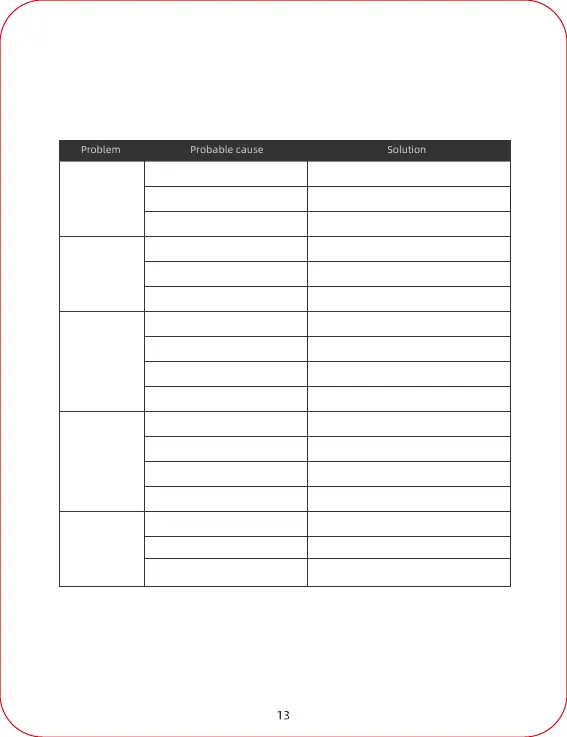
Charge the unit.
Make sure loads are within the allowed range.
Contact Customer Service.
Remove the load.
Contact customer service.
Contact customer service.
Symbol display
exception or
LCD screen
malfunction
AC output fault
Troubleshooting
Charge the unit.
Remove the load and recharge the unit.
Contact customer service.
Use the charger that comes with the machine.
Contact customer service for replacement.
Power failure
Charger failure
Failure to charge
by using
photovoltaic
solar panels
Under voltage protection
Load anomaly protection
machine damage
Charger mismatch
Charger damaged
Abnormal power supply or connection
Over-current
Weak sunlight
Solar panel damage
Wire harness connection is abnormal
Battery under-voltage protection
Discharge overload protection
Overheating protection
Machine damage
Abnormal load
Hardware failure
LCD screen damage
Reconnect the charger; If the problem
persists, replace the charger.
Use only solar panels of
recommended specifications.
Place the solar panels in a sunny place.
(Do not expose the machine to the hot sun)
Reconnect wiring harness; if the
problem persists, replace the solar panel.
Replace the solar panels.
Turn the unit off, allow it to cool down,
and then restart.



 To Next Page