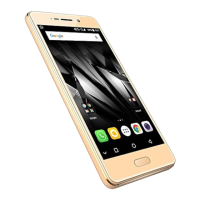
If you do not have an existing Google account, you may
create one from the account configuring step.
Play Store
After you have configured your Google account, you can access Play Store
by tapping icon and choose to download from unlimited entertainment
sources, applications, games, movies, and books.
To view and manage the list of all inbuilt, downloaded, and runni ng
applications, go to S ettings Apps.
Notifications
Notifications inform you of new messages and events as and when they
appear on the device.
Ope n Notification pane l C lo s e No ti fi c ati on pa ne l


 To Next Page