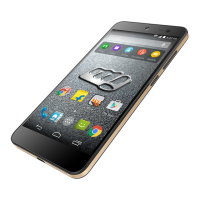
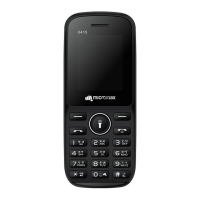
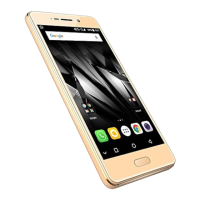
Q427+ L3 Service Manual
13. Speaker not working:
Solution:
Flash the handset with latest SW
Check the Speaker bad or not, else change it.
Check Earphone connector also , If Earphone connector got shorted : MIC & Receiver will not work
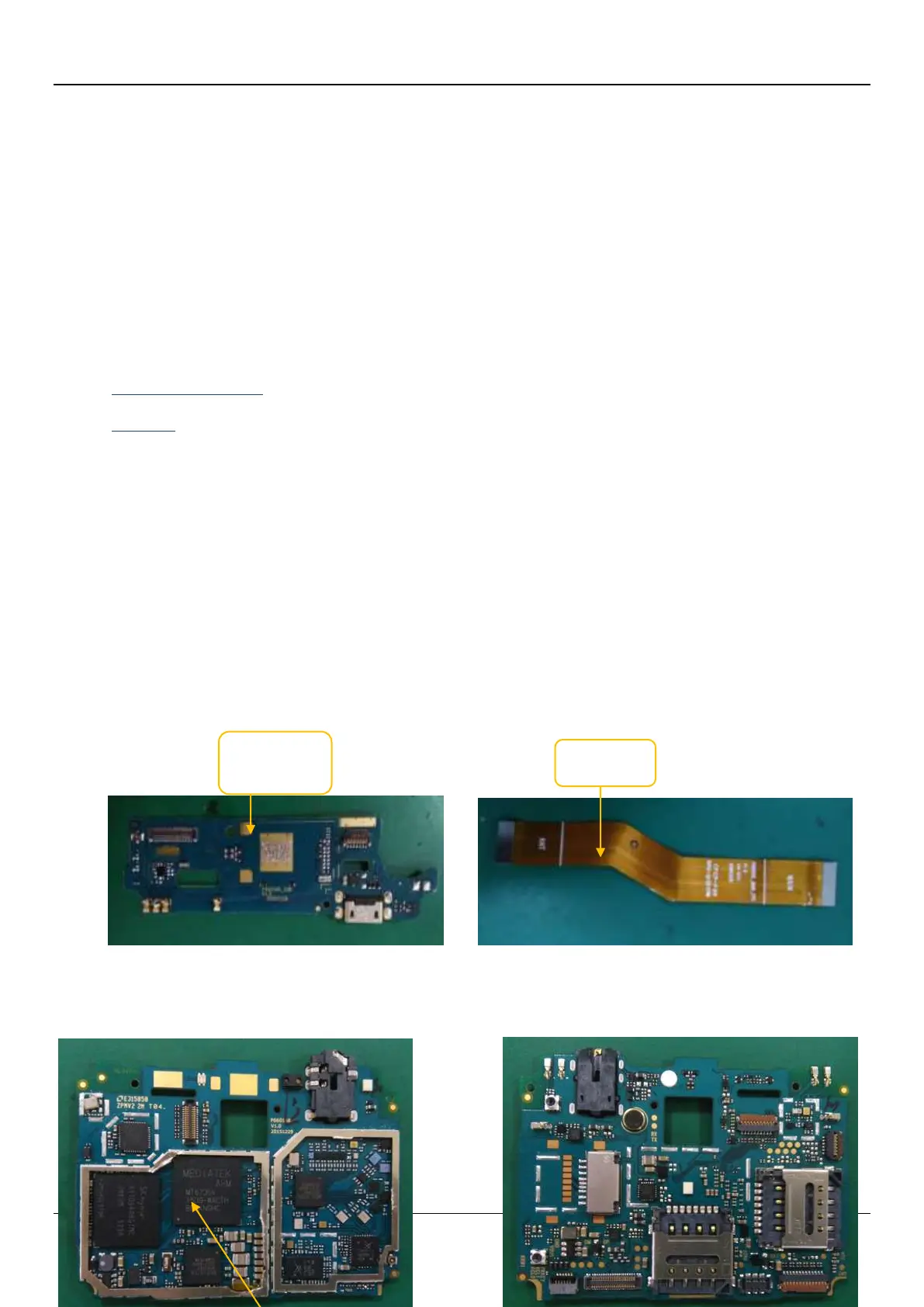
Check the SPK FPC soldering quality , if not ,Re-sold it or change it.
Check the Main FPC Assembly Quality , if not ,Re-Assembly it or change it.
Check the FPC connector soldering Quality ,if not ,Re-sold it or change it.
Check the Power IC work normally or not. Re-Solder the Power IC or change it
Check the CPU work normally or not. Re-Solder the CPU or change it



 To Next Page