34
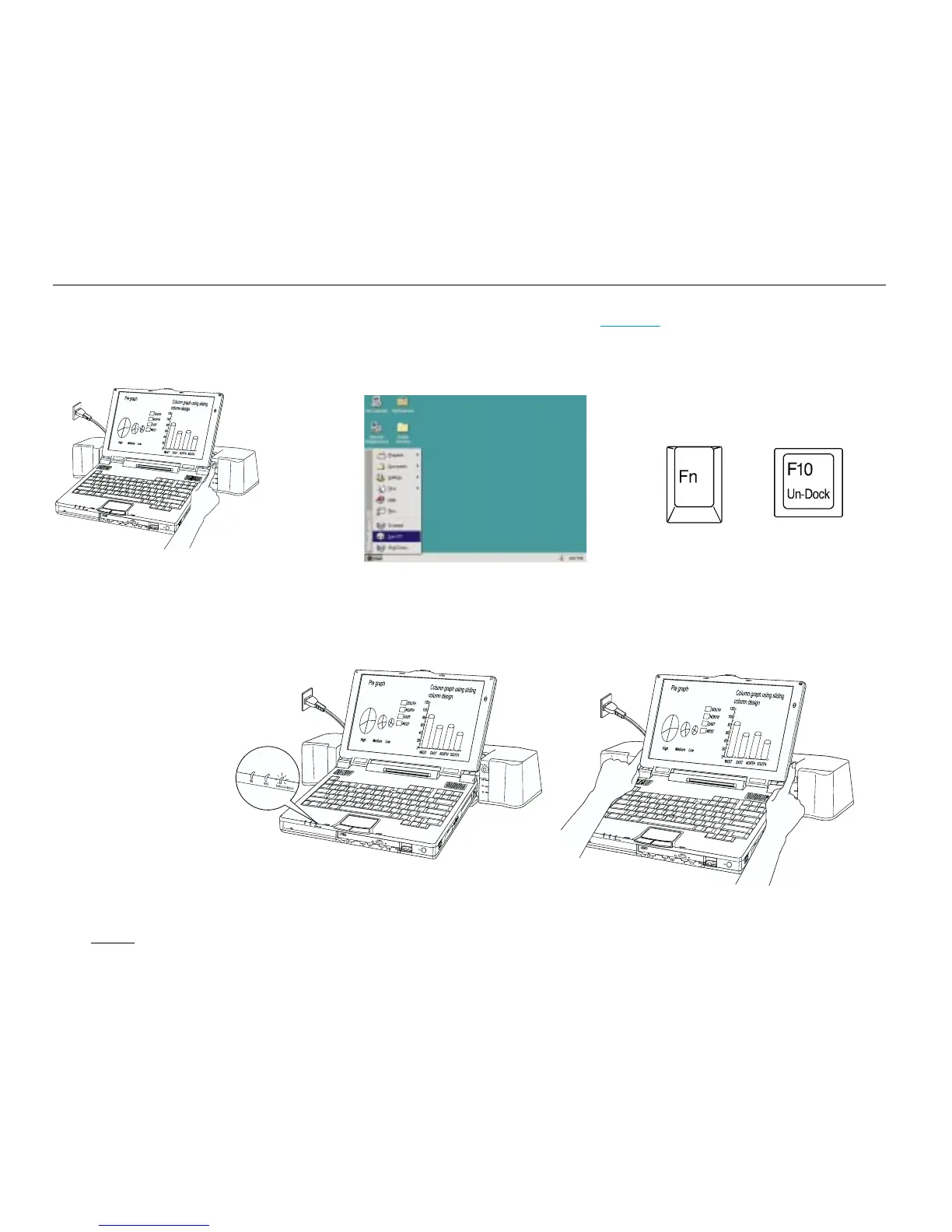
Disconnecting the MicronDock from your TransPort XKE while it is running (Hot Undocking).
Select the eject button (in Windows 95).
Hold down the <Fn> key, then press
the <F10> key.
2. Wait until the green SAFE UN-DOCK LED glows.
3. Gently press the MicronDock release buttons and raise tabs to
remove the notebook from the MicronDock.
+
OR
OR
Caution:
• Do not undock when you press the Release Button and the system beeps. Please perform the above steps first.
Note:
Confirm that your system is using one or more battery packs
and that the MicronDock is plugged into an outlet.
1. Press UN-DOCK button.
Note:
If your system battery has
5%or more of the charge
remaining, it will Hot
Un-dock. If not, the
system will enter suspend
mode. If this happens,
connect the AC adapter to
your TransPort and press
any key on the keyboard
to resume working.


 To Next Page