45
I/O Device Configuration
Configures and reports the status of the hardware built into
your system.
Serial Port: [Auto] default
Auto
Disabled
Enabled
Base I/O address: 3F8 IRQ4, 3E8 IRQ4
2F8 IRQ3, 2E8 IRQ3
Sets the COM port logical address and IRQ (Interrupt Request).
IR Port: [Auto] default
Auto
Disabled
Enabled
Mode: [IrDA] default
FIR, IrDA
Selects Fast IR or Standard IR speeds.
IrDA Port: [Rear] default
Rear, Front
Base I/O address: 3F8 IRQ4, 3E8 IRQ4
2F8 IRQ3, 2E8 IRQ3
DMA channel: DMA1, DMA3
Sets the DMA Channel for Fast IR (FIR).
Parallel Port: [Auto] default
Auto
Disabled
Enabled
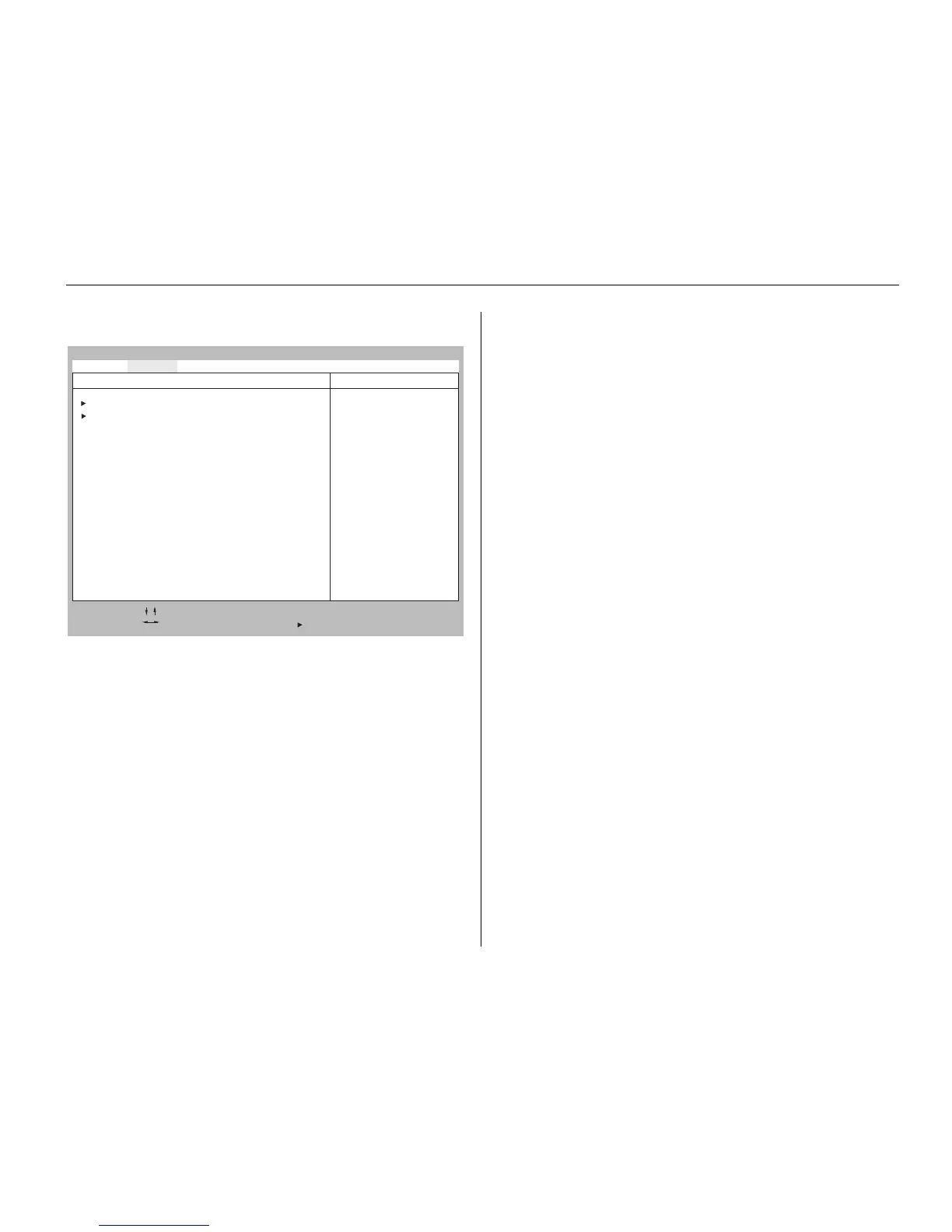
Advanced Menu
SETUP’s Advanced menu reports and controls some
fundamental settings of your system’s hardware. These settings
are adjusted at the factory to optimize speed and power
consumption for the average user. Unless you have a specific
need, you should leave the default settings in place.
Phoenix BIOS Setup - Copyright 1985-95 Phoenix Technologies Ltd.
F1 Help Select Item -/+ Change Values F9 Setup Defaults
ESC Exit Select Menu Enter Select Sub-Menu F10 Previous Value
Main Advanced Security Power Boot Exit
Item Specific Help
•
I/O Device Configuration
• Audio Options Menu
Plug & Play O/S: [No]
Large Disk Access Mode: [DOS]
SMART Device Monitoring: [Enabled]



 To Next Page