Wireless LAN Access Point Configuration
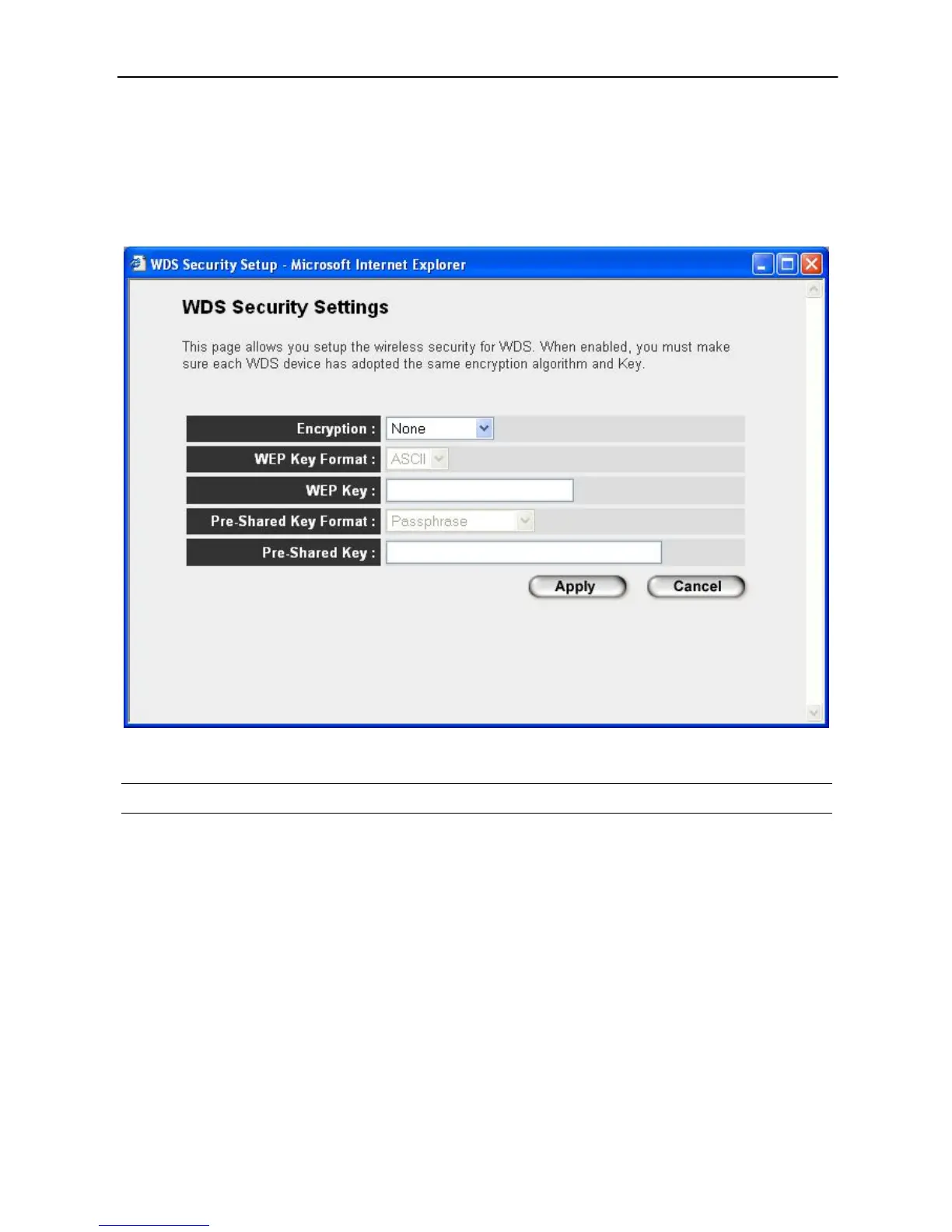
“Set Security” let you setup the wireless security for the data transmission between
the bridged access points in “AP Bridge-Point to Point mode”, “AP Bridge-Point to
Multi-Point mode” or “AP Bridge-WDS mode”. It provides “WEP 64bits”, “WEP
128bits”, “WPA (TKIP)”, “WPA2 (AES)” encryption methods.
Parameter Description
Encryption
You can select “No encryption”,“WEP 64bits”, “WEP 128bits”, “WPA (TKIP)”
or “WPA2 (AES)” encryption methods.
Key Format
This is only used when you select “WEP 64bits” or “WEP 128bits” encryption
method. You may select to select ASCII Characters (alphanumeric format) or
Hexadecimal Digits (in the “A-F”, “a-f” and “0-9” range) to be the WEP Key.
For example:
ASCII Characters: guest
Hexadecimal Digits: 12345abcde
WEP Key
This is only used when you select “WEP 64bits” or “WEP 128bits” encryption
22



 To Next Page