5.4 LED On/Off
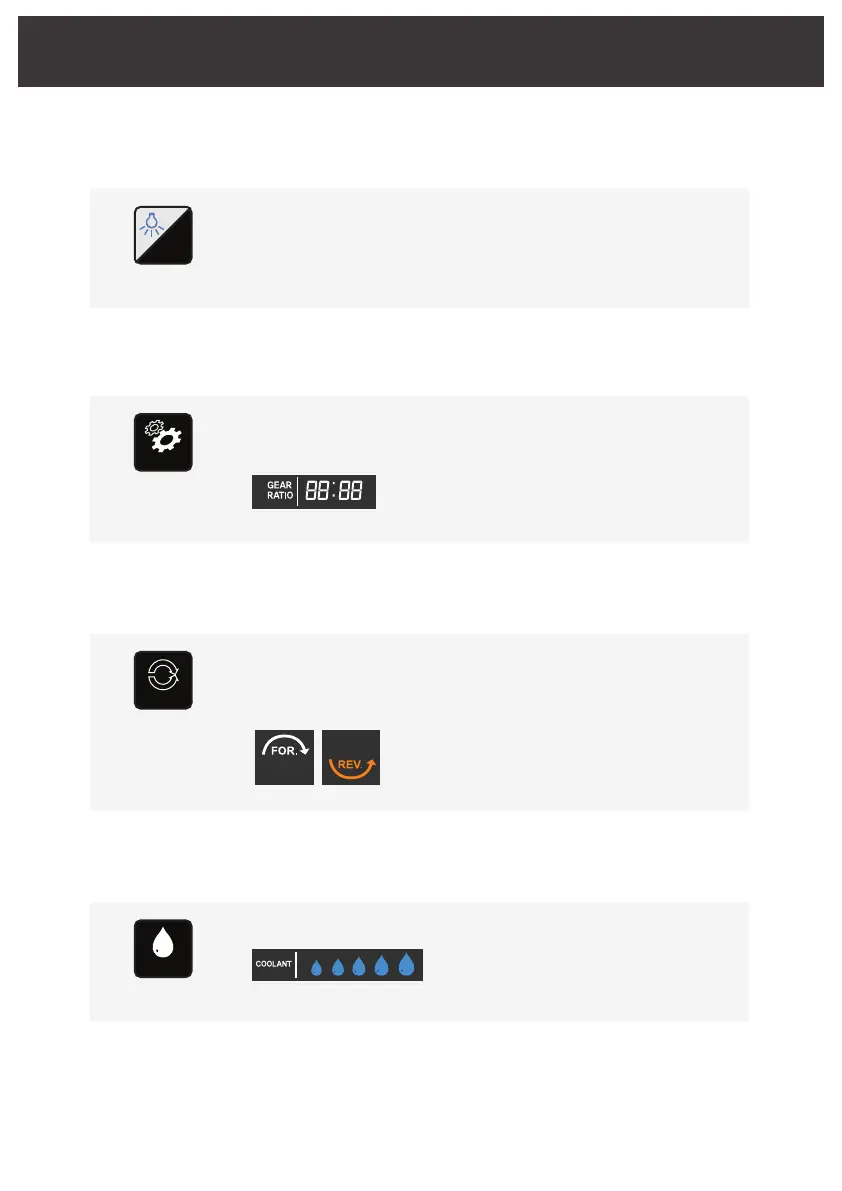
Press Optic/Non optic button to operate LED within the motor
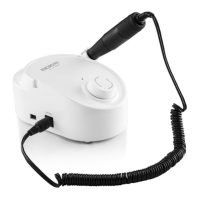
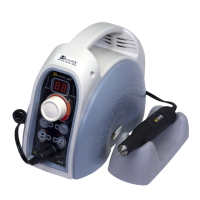
ISM-B70L which is designed for Optic.
LED On/Off
Button
Chapter 5. Operation
S
5.5 Gear ratio change
It selects gear ratio in accordance with that on handpiece.
Gear ratio alters upon pressing Gear ratio button each time.
Gear Ratio :
① 1:1 ② 1:2 ③ 16:1 ④ 20:1 ⑤ 27:1 ⑥ 32:1
It alters in turn from number ① to ⑥ upon pressing
the button each time.
Gear ratio
Button
GEAR RATIO
5.6 Setting direction of motor rotation
The initial setting is Forward direction and Reverse is selected upon
pressing the button.
The letter and arrow are turned on upon selecting Reverse with beep.
① The letter and arrow are turned on upon selecting Forward.
② he letter and arrow flickers during the motor operation.
③ he same goes for selecting Reverse with beep.
Rotation
Button
FOR/REV
5.7 Controlling water injection rate
Water injection rate alters in turn by five levels upon pressing Coolant button.
Coolant
Button
FOR/REV
LCD Display
LCD Display
LCD Display
COOLANT
16/24
① 30ml/min ② 60ml/min ③ 90ml/min
④ 110ml/min ⑤130ml/min



 To Next Page