104 Operator Maintenance
_______________________________________________________________________________________________
_______________________________________________________________________________________________
MICROPLEX Operator’s Manual SOLID F40 Edition 1.1
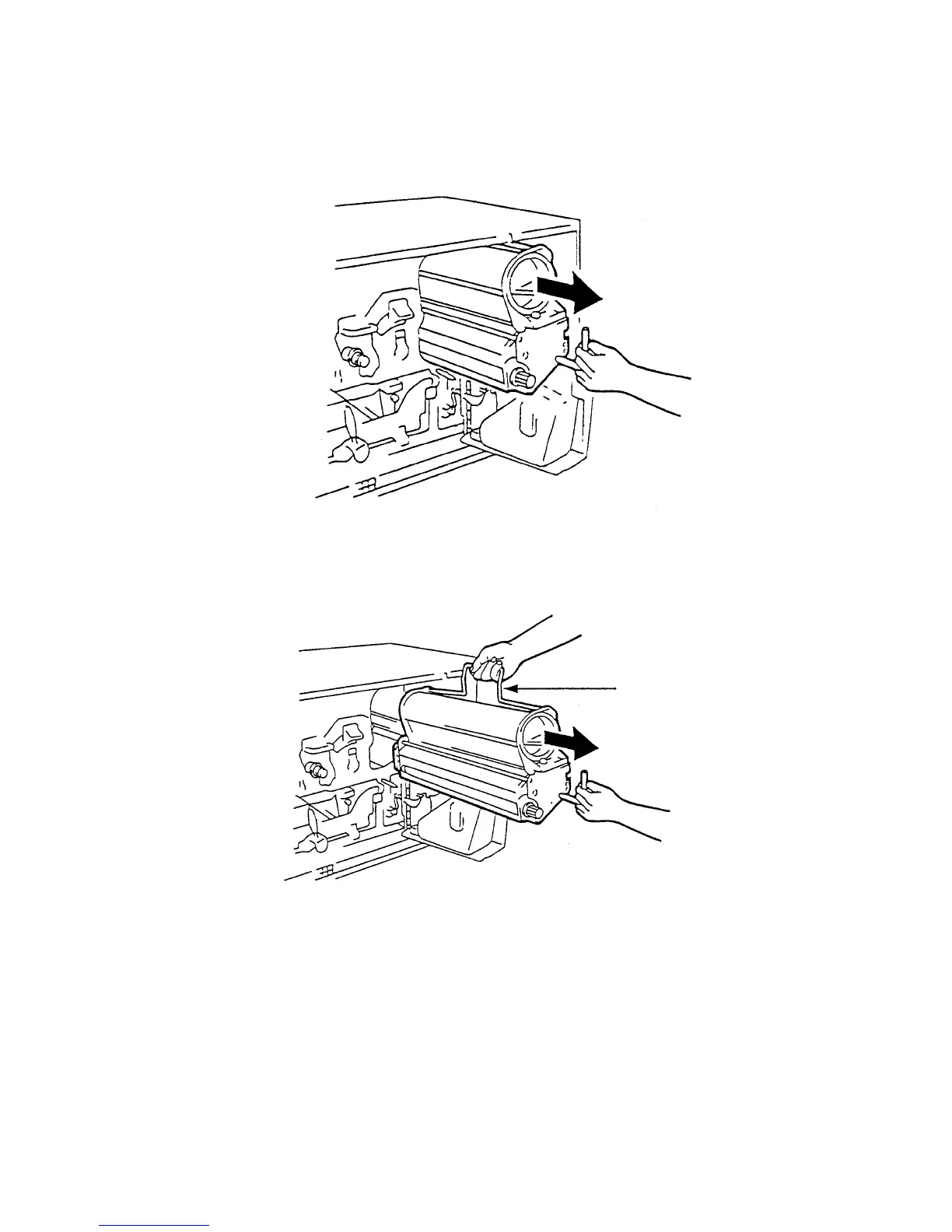
4. Pull out the developer unit partially using the lever.
5. Reach for the handle with your other hand, remove the unit
from the printer and place it on a covered, level worktop.
Handle
6. For developer unit cleaning make a potential compensation
(grounding) with the printer cabinet. At the developer unit the
grounding has to be connected to the back screw of the cover
(see picture below).



 To Next Page