126 Operator Maintenance
_______________________________________________________________________________________________
_______________________________________________________________________________________________
MICROPLEX Operator’s Manual SOLID F40 Edition 1.1
!
23. Reinstall the developer unit (see section 7.3).
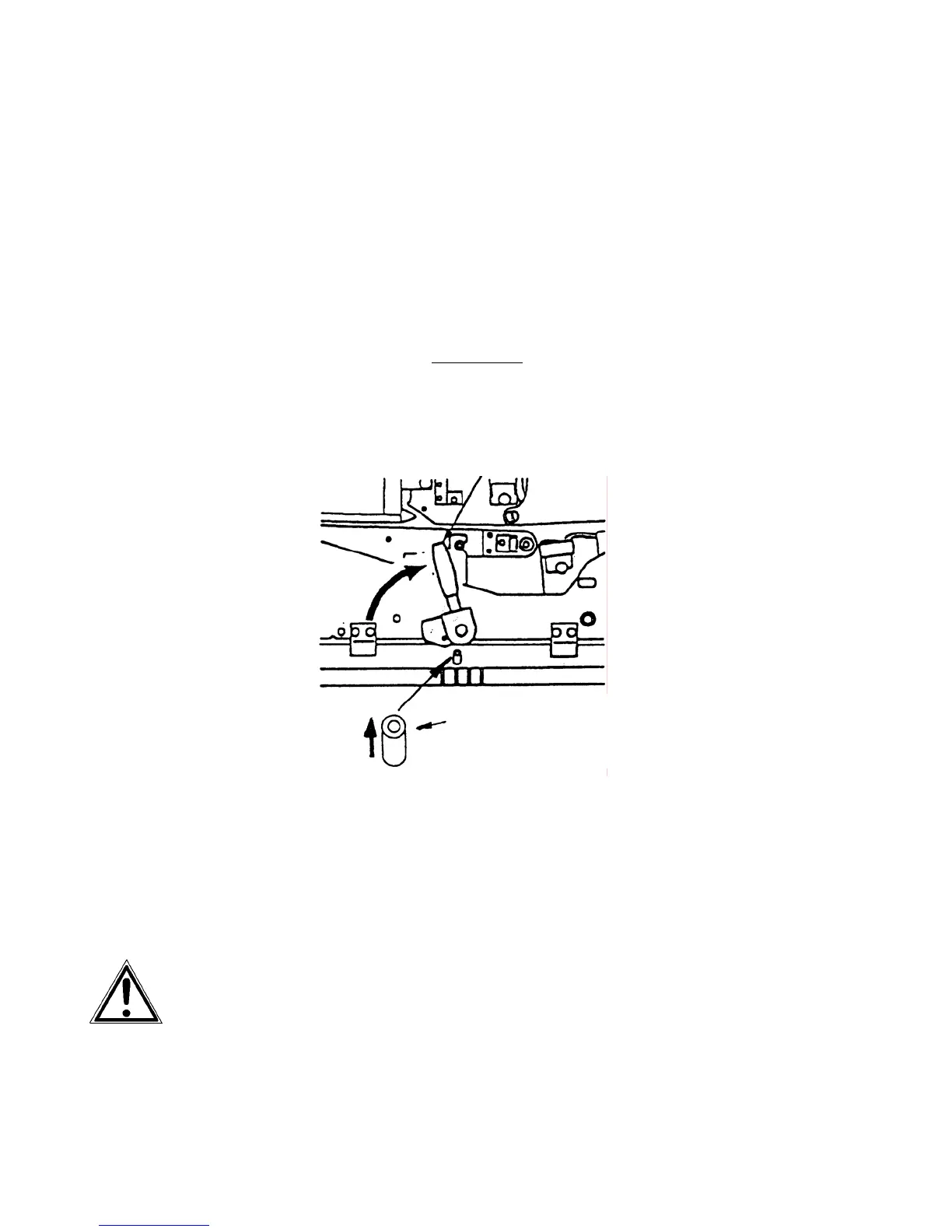
24. Turn up the transport path now.
Eventually the green lever has to be pressed down first
to slide the transport unit into the printer until it stops
while pressing down the lever (resilience at the end).
Tip up the green lever of the transport unit to its "up"
position.
Pay attention to the second bar
of the transport unit
located under the green lever - it also has to click into
place (second bar up).
Second bar up
Green lever
25. Close the waste toner recovery unit. Make sure the
bar has engaged.
26. Close the printer’s front cover.
Disposal will be carried out by your service engineer. Until disposal
please keep the photoreceptor drum in its original packing.



 To Next Page