Handling of Consumables 29
_______________________________________________________________________________________________
_______________________________________________________________________________________________
MICROPLEX Operator’s Manual SOLID F40 Edition 1.1
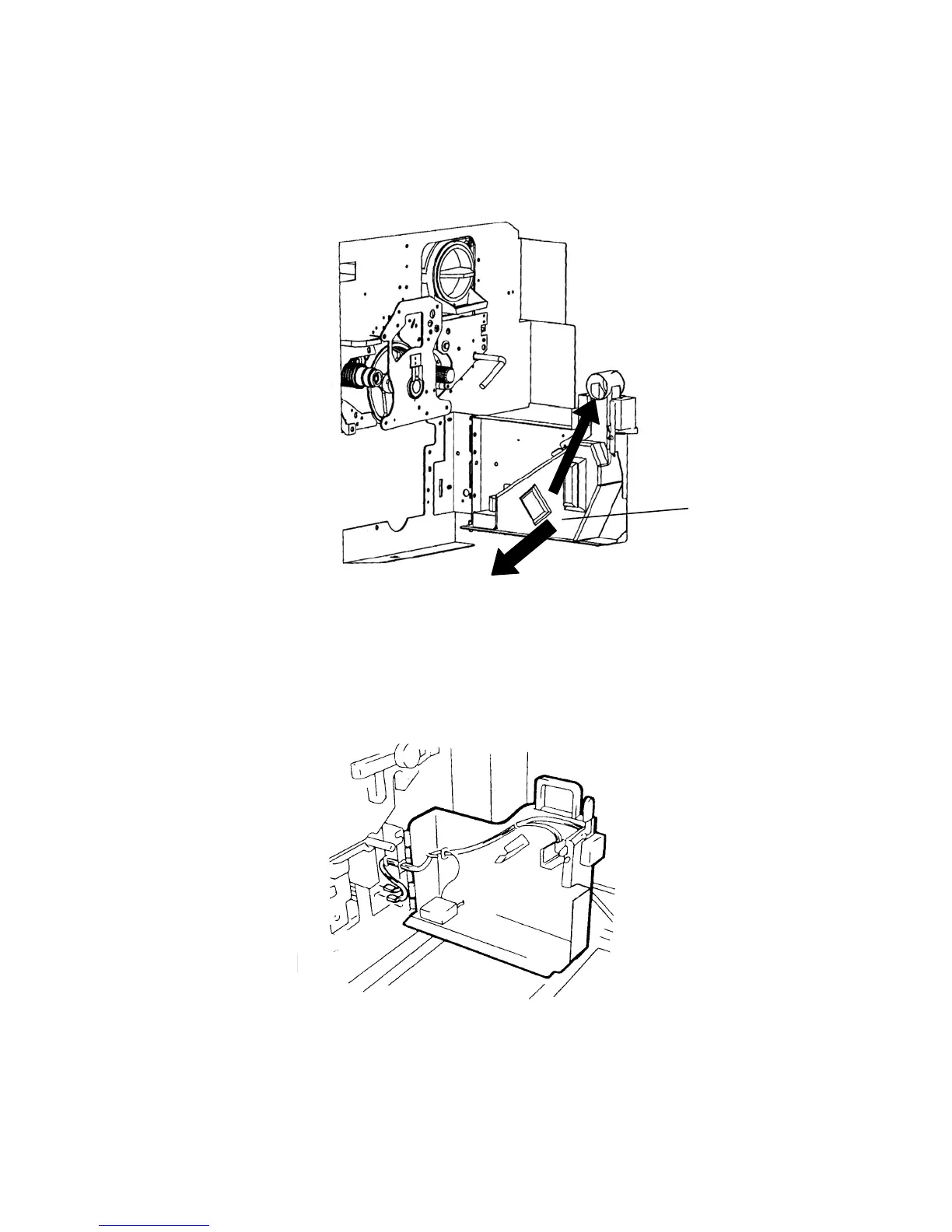
3. Take off the cap outside the waste toner recovery unit and
close the bottle.
Waste toner
bottle
4. Take out the waste toner bottle completely.
5. Insert the new bottle into the waste toner recovery unit.



 To Next Page