Panel Functions 63
_______________________________________________________________________________________________
_______________________________________________________________________________________________
MICROPLEX Operator’s Manual SOLID F40 Edition 1.1
5.15. Display Language Selection
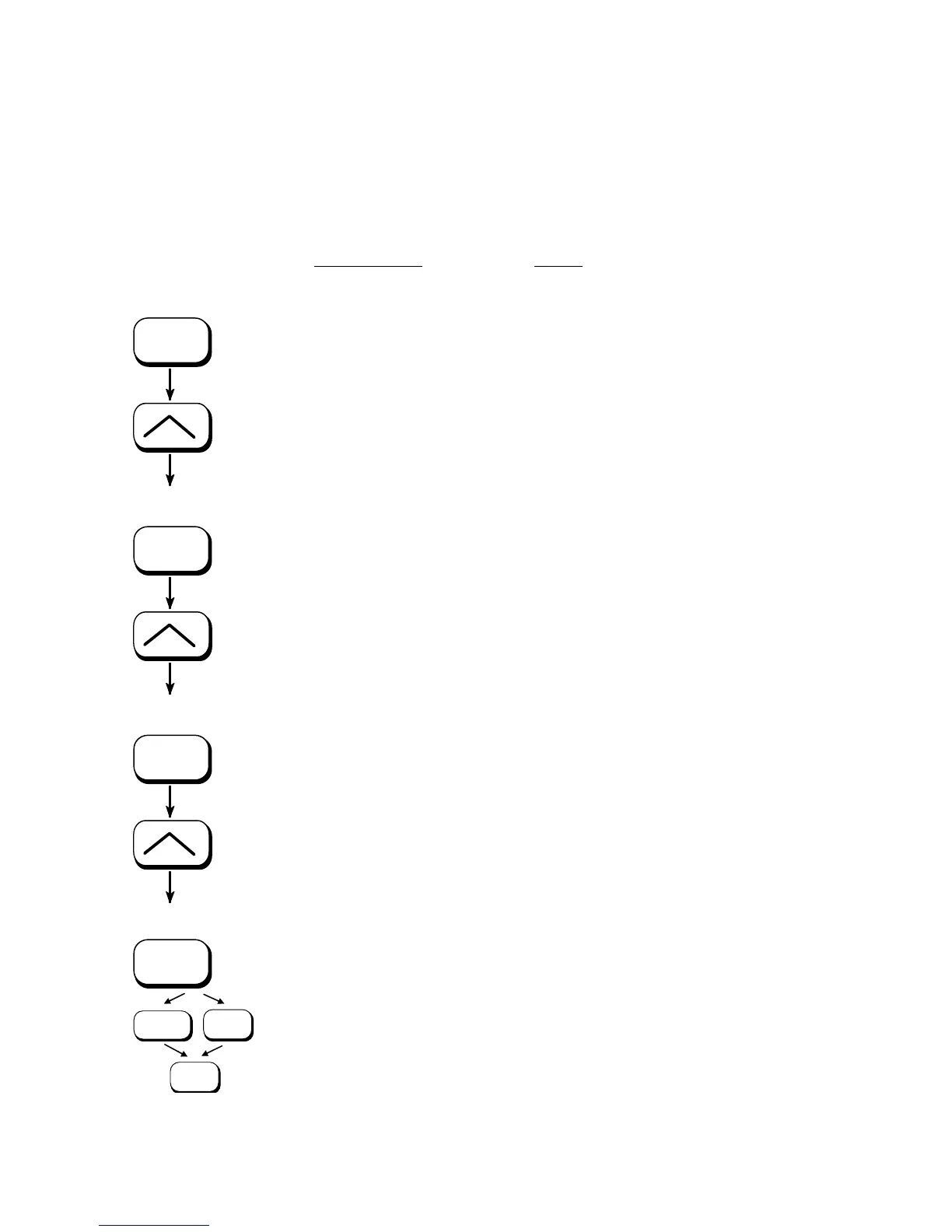
This function enables the user to determine the language for the
display messages, the status sheet and the font list.
ON LINE
SAVE
SAVE
SAVE
MENU
SAVE
ON LINE
Panel display
[SOLID F40 ]
[Menu Level 1 ]
) ) )
[Configuration ]
[Interface ]
) ) )
[Language ]
[German ]
) ) )
[English ]
[Save as Setup? ]
Notes
Turn the printer OFF LINE with this
key.
Press one of the ARROW keys until
[Configuration ] is displayed.
Press one of the ARROW keys until
[Language ] is displayed.
Press one of the ARROW keys until
the desired language (e.g. English)
is displayed.
The display language English is
selected.
In addition this new value can be
saved as setup value (using the
SAVE key), before the printer is
turned ON LINE again.



 To Next Page